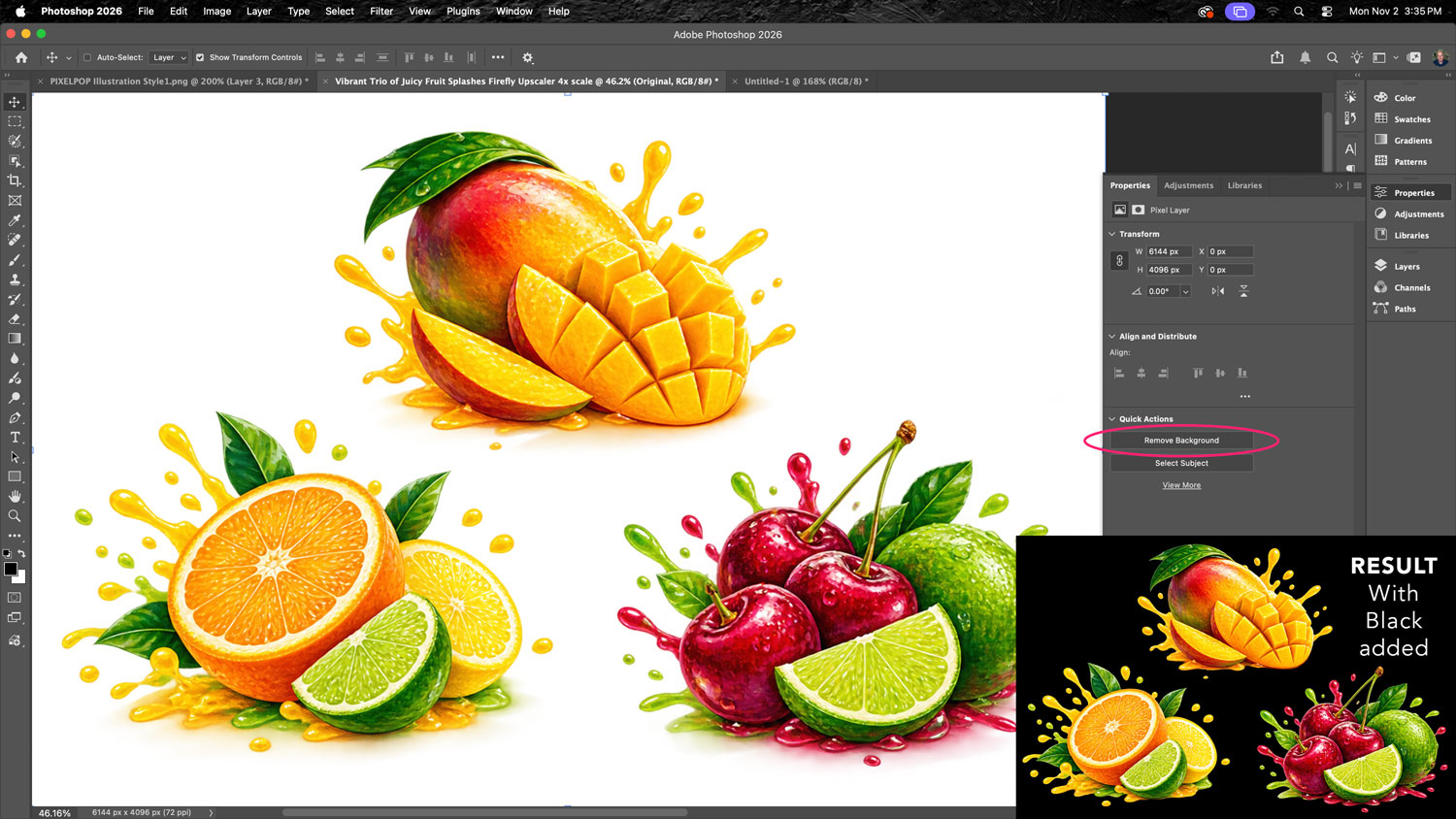
You can use Photoshop’s Remove Background AI feature to remove fairly complex backgrounds with the power of AI.
In this example, I removed the background and added a black background behind it to show the clean results. Notice how AI even removed the slight drop shadows and left a crisp line at the fruit’s edge.