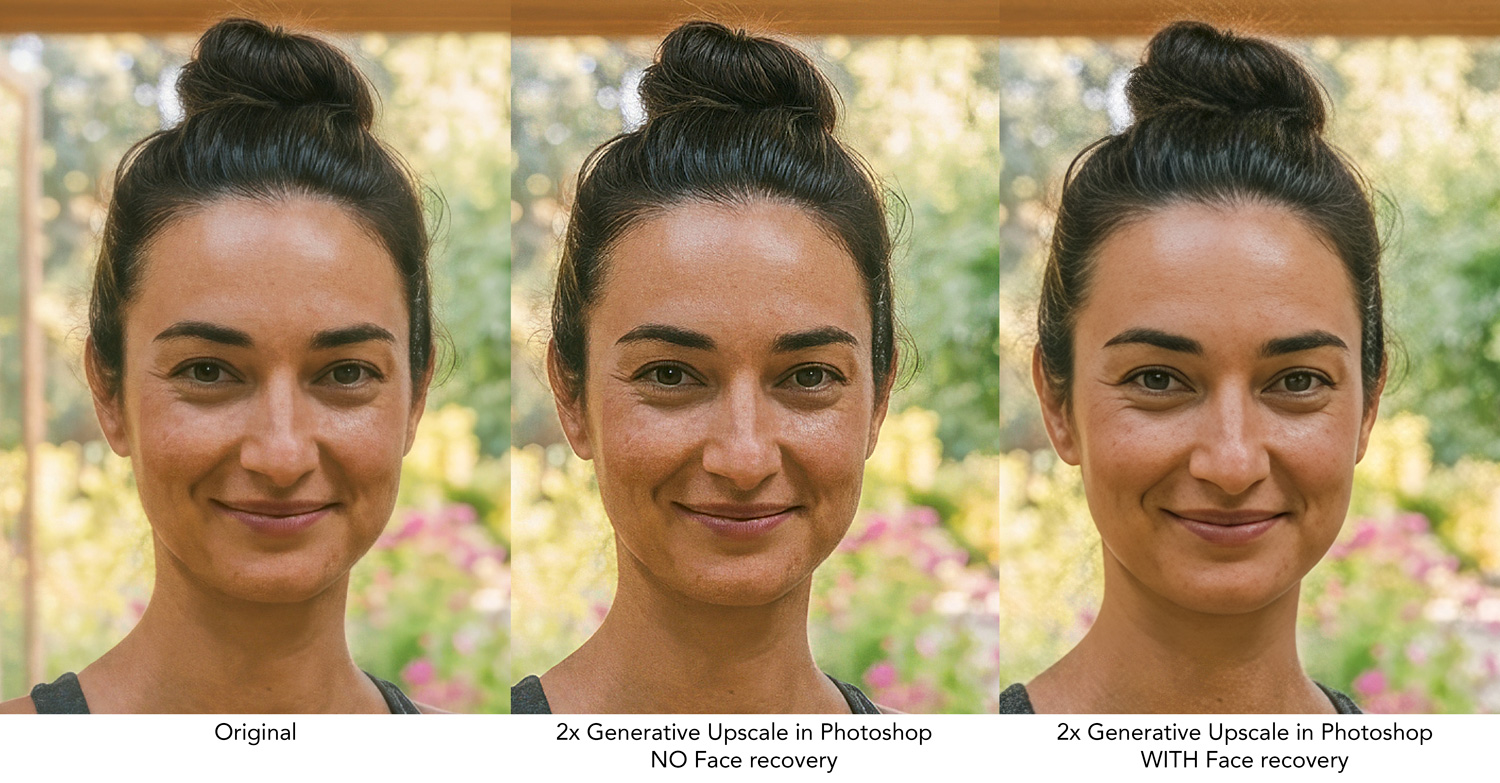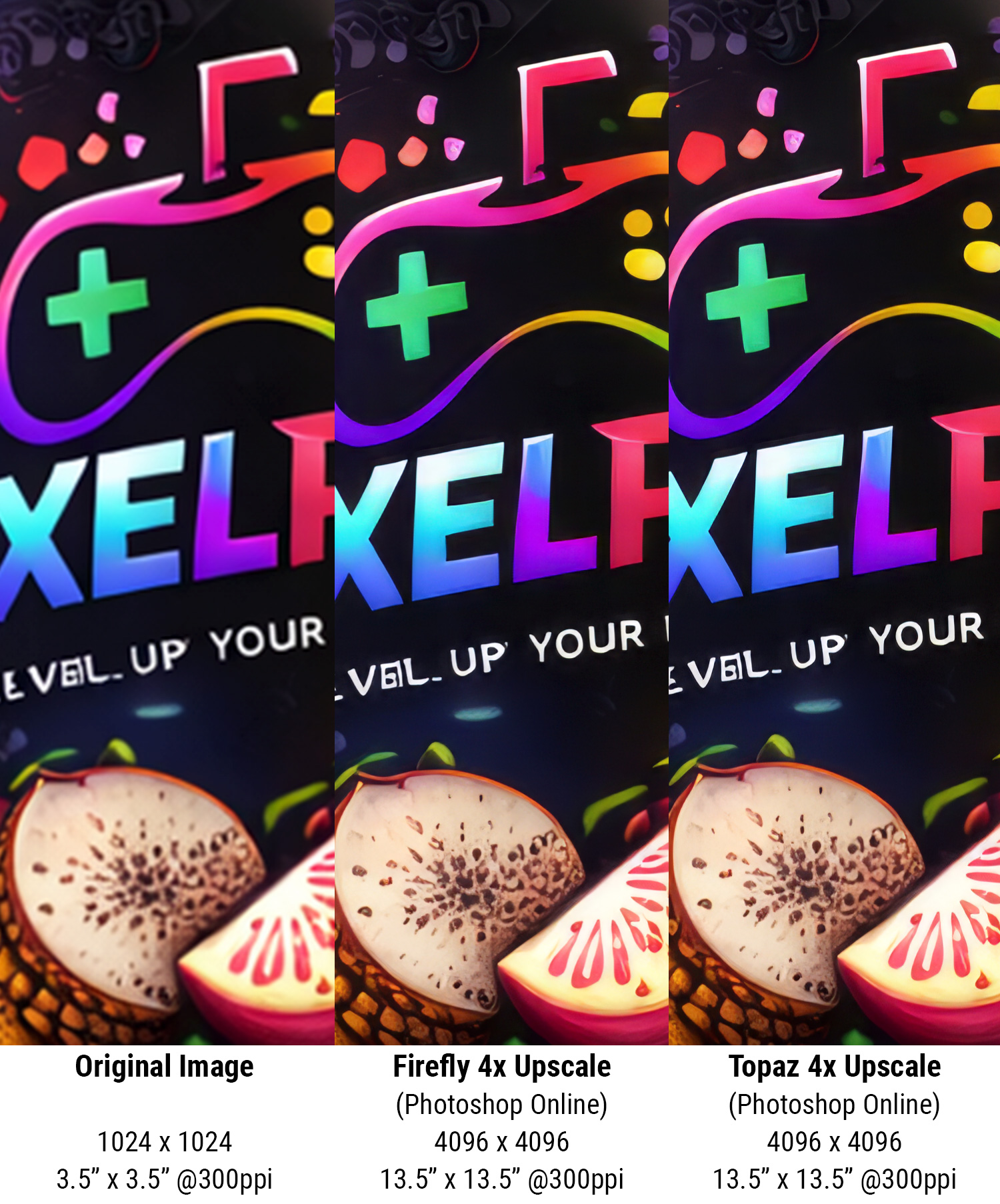
How to upscale with AI in Photoshop
- Open your image/photo in Photoshop (2026 or newer)
- Under the Image dropdown menu, choose Generative Upscale
- Choose Firefly or Topaz (both work well)
- Output Scale: 2x (Get close to 3000 pixels) (10 inches x 300ppi = 3000 pixels)
- Click: Upscale
Run Unsharp Mask if needed (begin with these settings and adjust as needed)
- Under the Filter dropdown menu, choose Sharpen > Unsharp Mask
- Amount: 75%
- Radius: 1.5 px
- Threshold: 0 Levels
Example of AI Generative Upscale in Photoshop