For this project, you’ll create one marketing campaign for a beverage or canned product of your choice. You’ll be learning about 3D objects and how to make a can object in this class. First, you’ll design a logo and full-wrap can graphics for your drink, then set it into motion in After Effects, and finally incorporate it into a marketing video.
You will practice being self-directed in this class. I want you to take the reins, do your work at a professional level, and do it with pride and devotion.
Grading Checklist
- Write a Design & Marketing Strategy for your client.
- You’ll Design
- Logo and brand style guide
- A coordinated set of marketing materials.
- Full-wrap can design
- 3D object of your can
- Marketing video featuring your 3D can set into motion
- A 2-page spread of your marketing campaign for your portfolio (Download template here)
- Final designs should be in industry-leading software: Illustrator, InDesign, Photoshop, or After Effects. Illustrations can be in Photoshop, Illustrator, Fresco, Procreate, etc.
- You’ll participate in design presentations and critiques
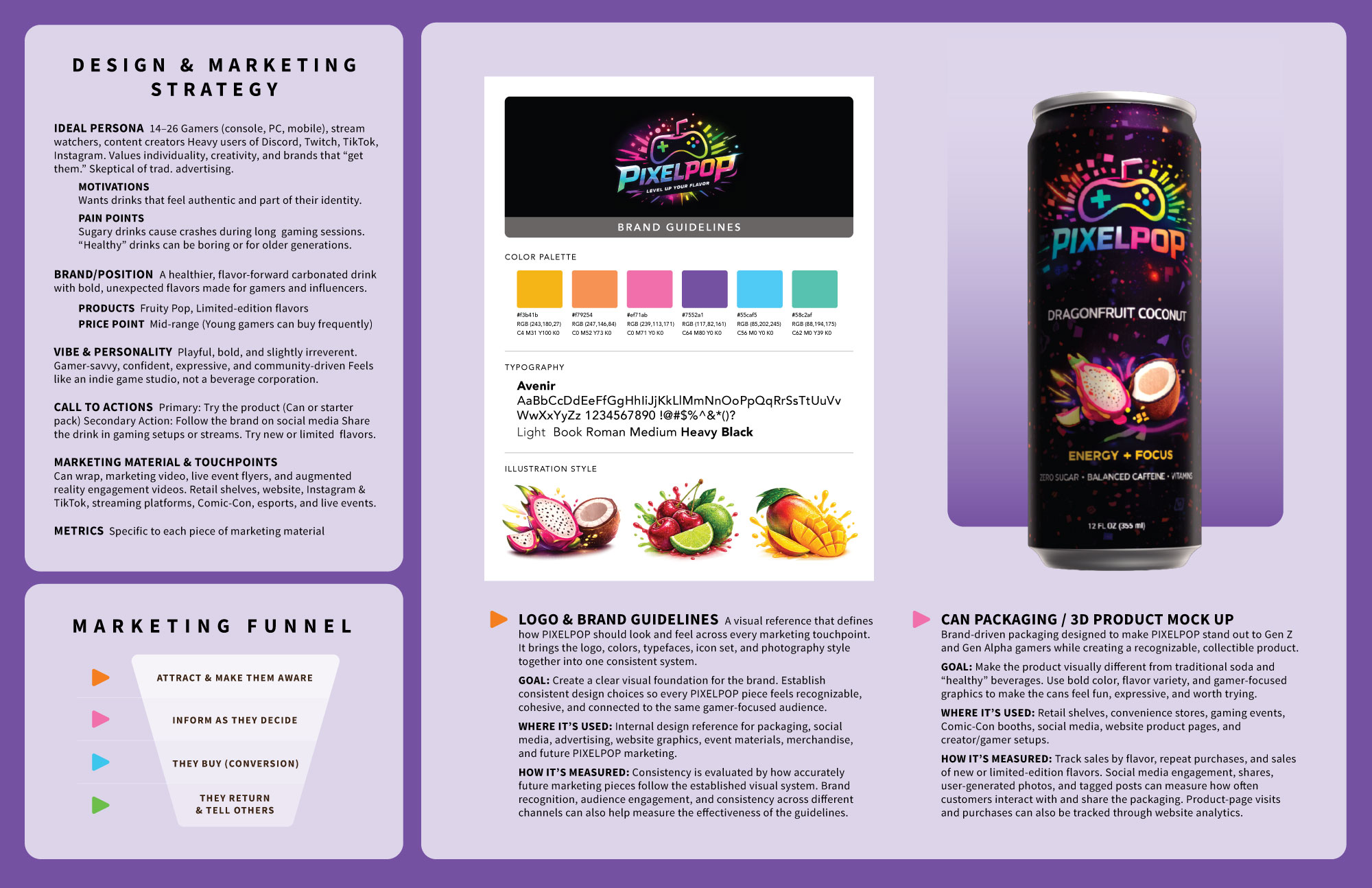
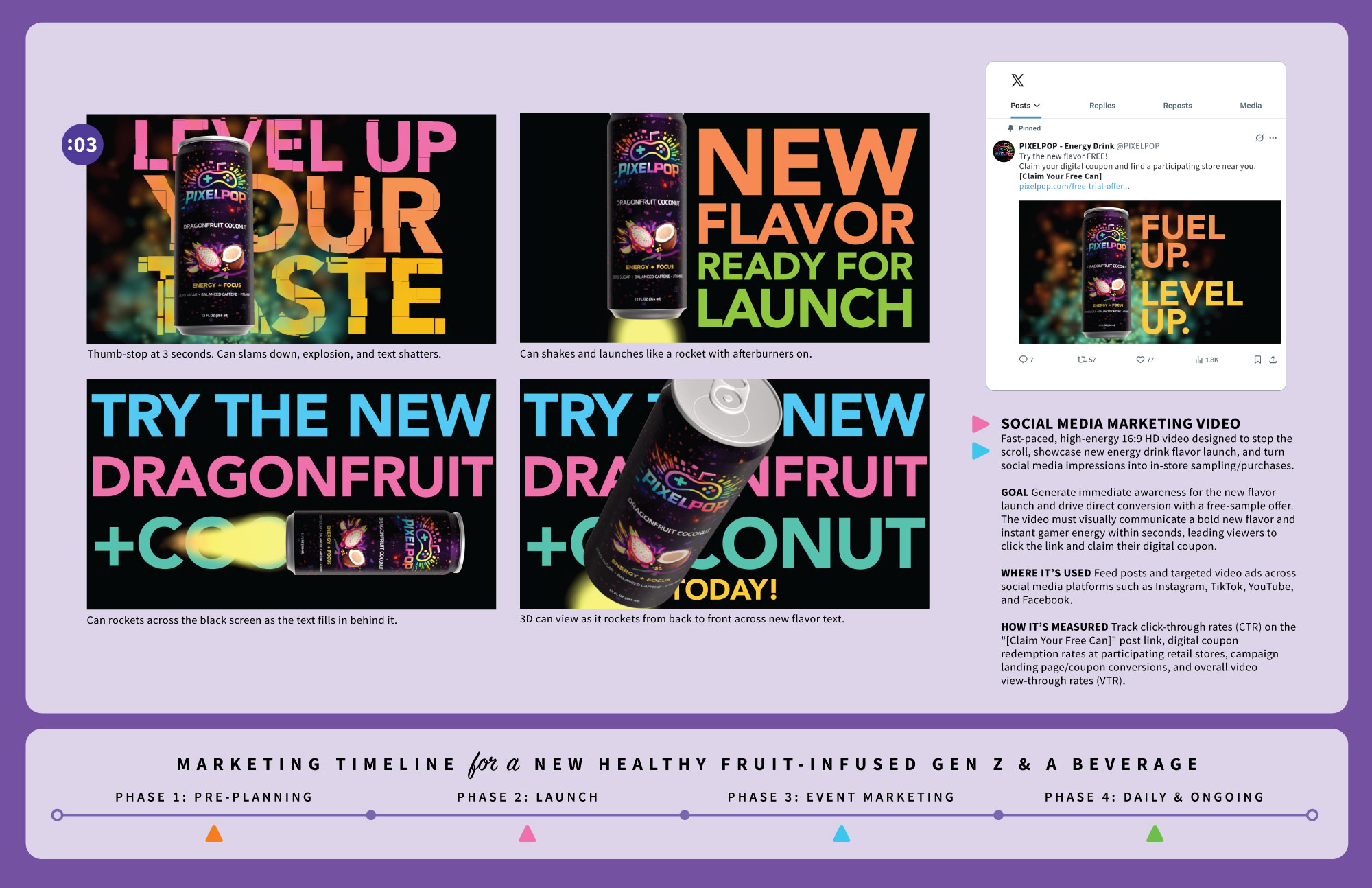
This is what you’re creating
This is a 2-page spread for your graduate portfolio. Notice how it demonstrates your design skills and marketing knowledge all in one piece.
You will choose your own client.
2-page Portfolio Template (Download template here)