
Overview
Companies use web ads to reach customers directly with product announcements, sales, specials, educational information, seasonal promotions, how-to guides, and new product uses.
For this project, you’ll design one half-page web ad for your client.
Grading checklist
- You will design one web ad for your client
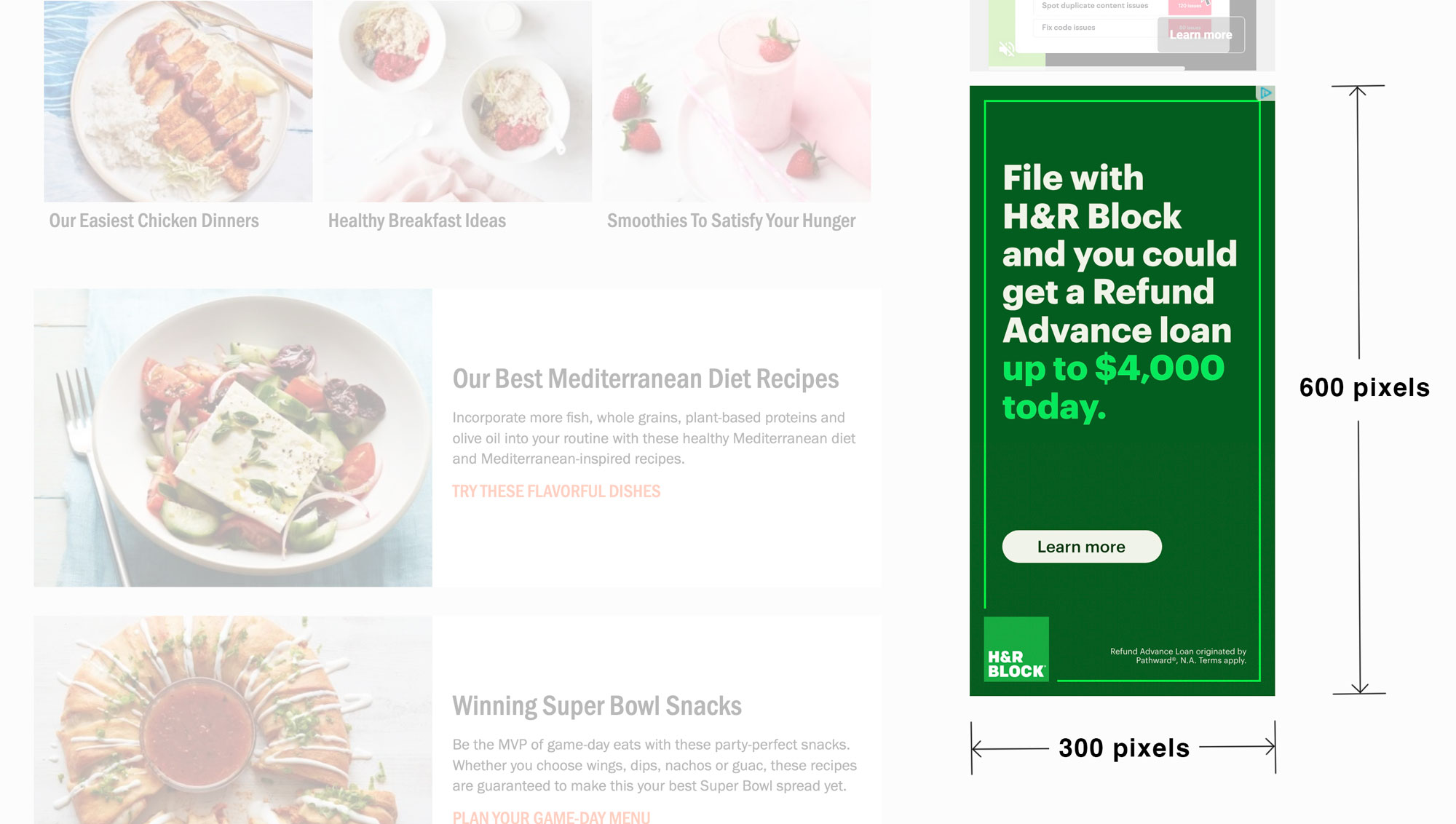
- Size: Half-page Web Ad 300 x 600 Pixels
- Software: Use Canva to design your ad
- Focus on your product and the benefits it provides to the people who use it
- Have one large, emphasized image to draw the viewer in
- Use consistent brand guidelines (logos, colors, typefaces, design elements, photos/art)
- Be sure to have a call-to-action button
- Participate in class presentations and critiques
Template for the Half-Page Web Ad
Create your own template in Canva by creating a new project and setting your size to 900 pixels wide by 1800 pixels tall.
We are tripling the resolution so you can print it and use it in your portfolio. Normally, you would design to the standard half-page ad size of 300 x 600 pixels.

Web Ad Best Practices

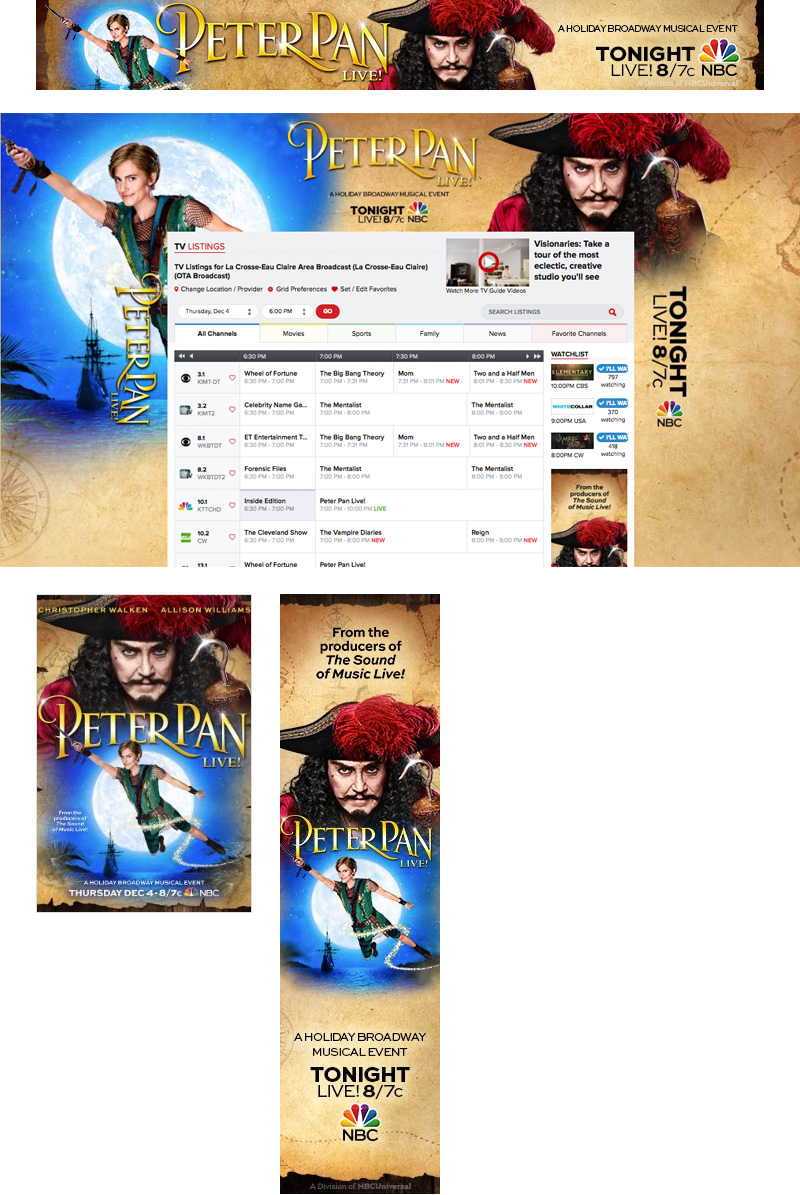
Here is a half-page ad on a web page
Half-Page 300 x 600px)
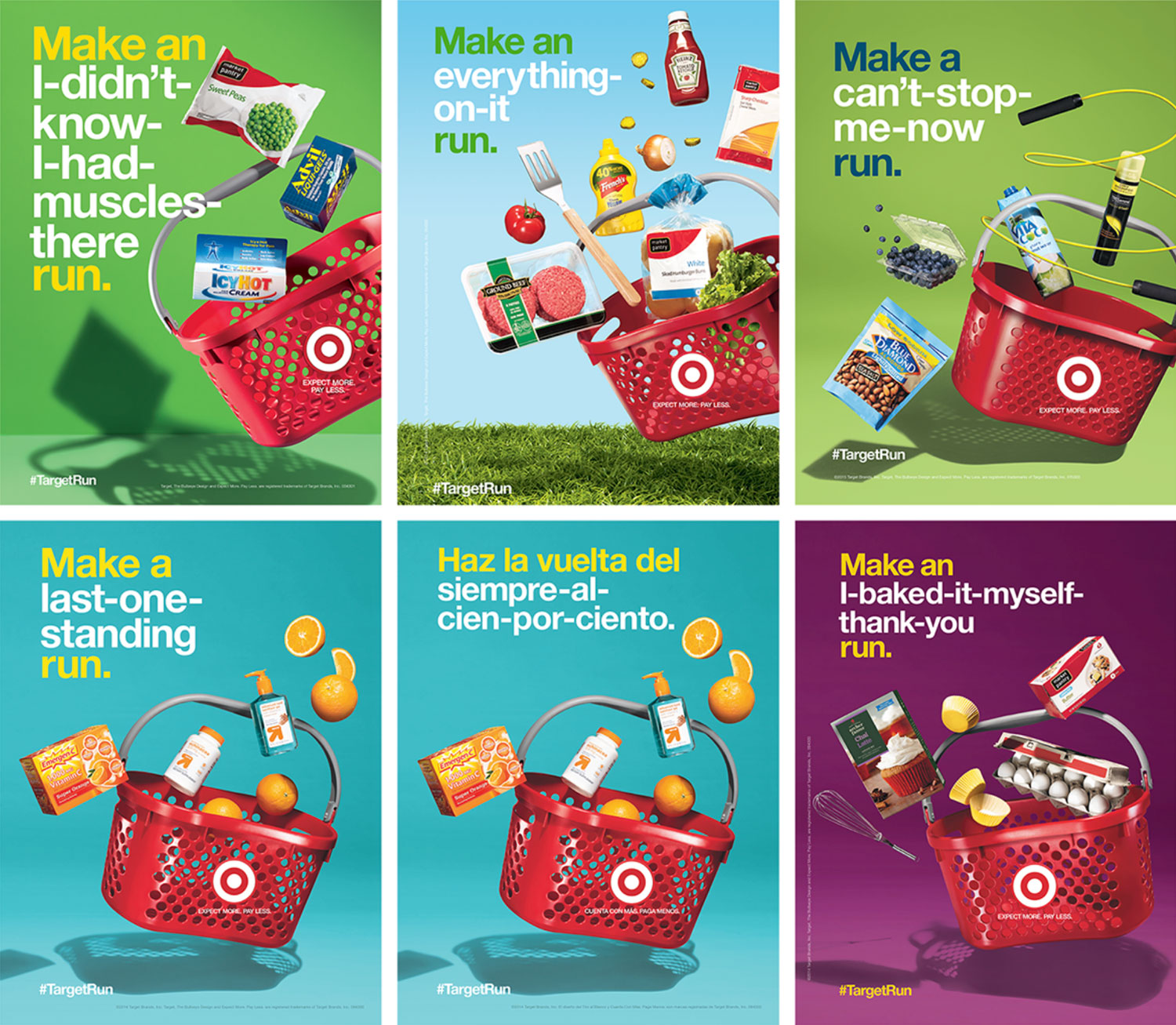
Web Ad Examples
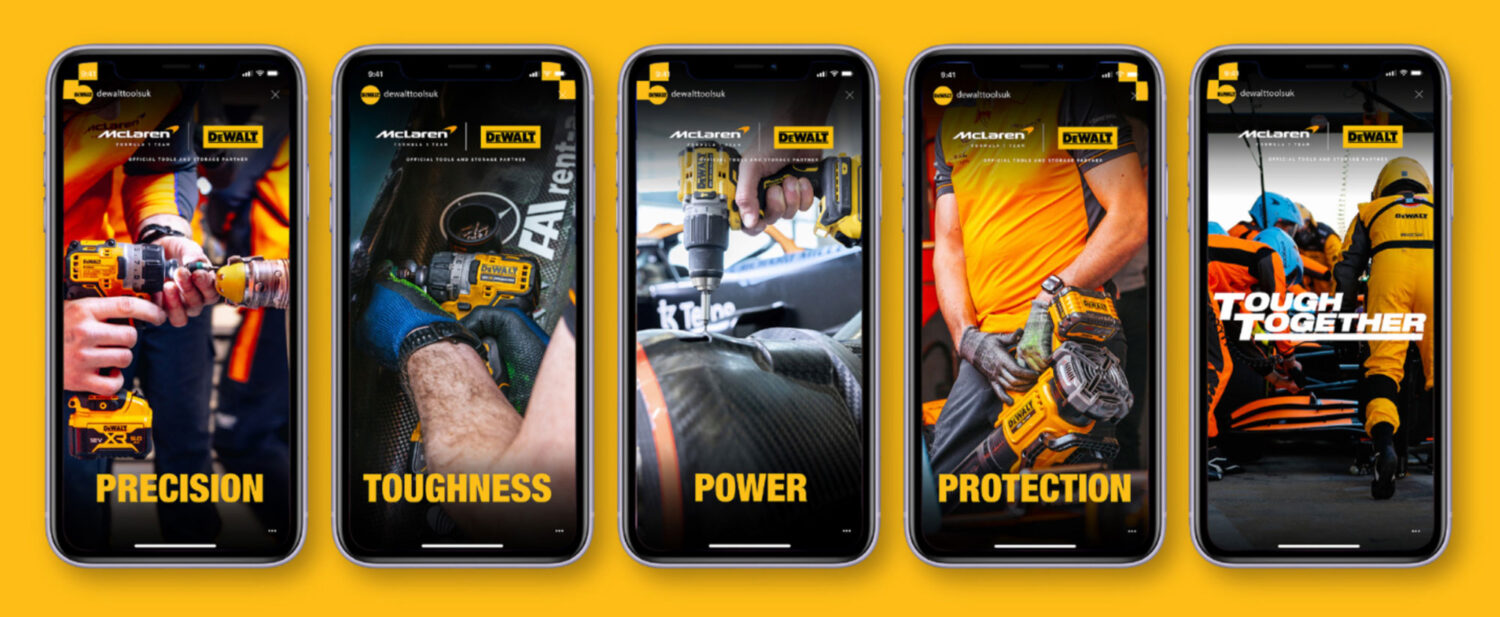

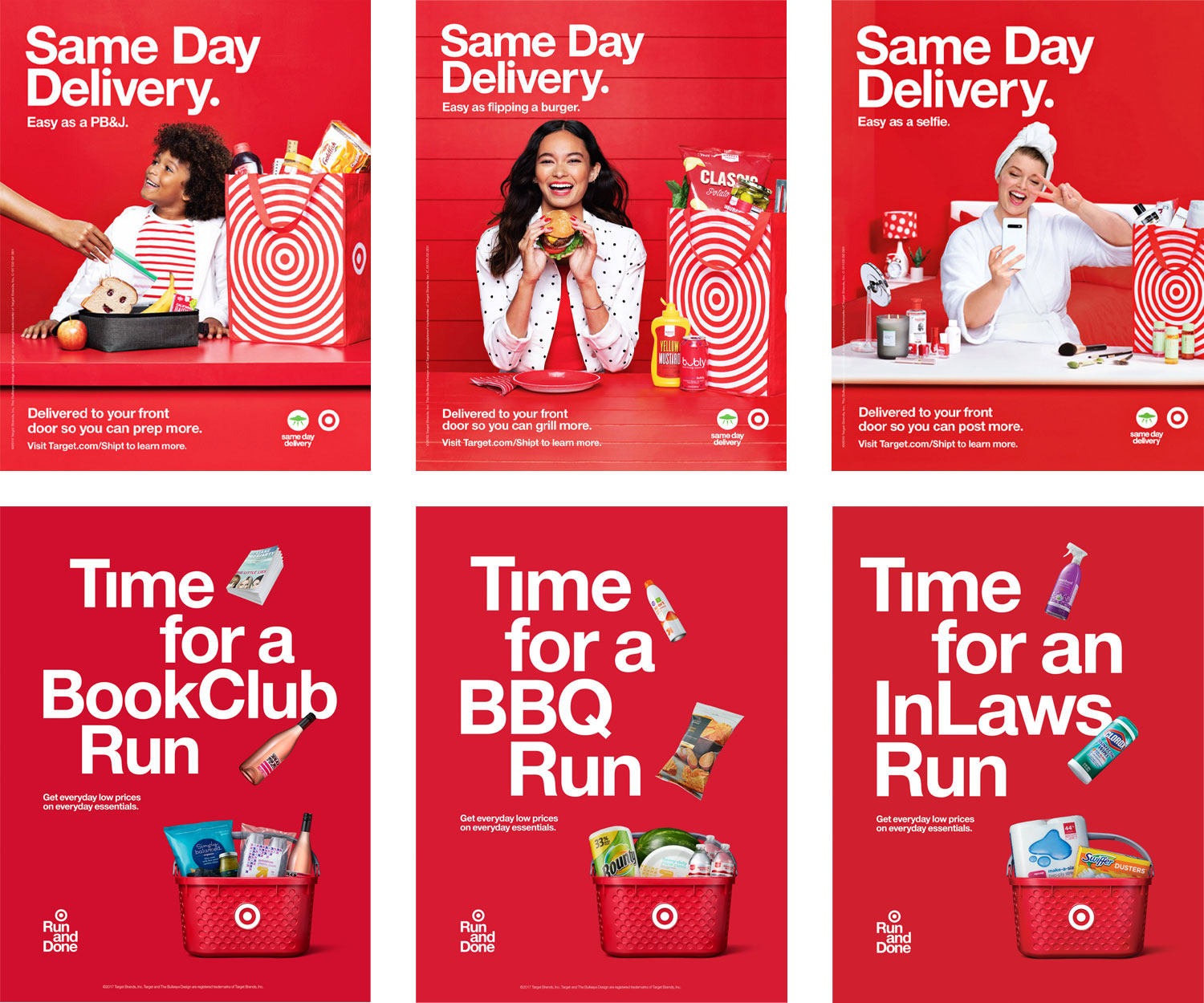
Industry Web Ad Examples
Only 7 Brand Assets were used to create these ads
The process is fairly simple. Designers create, choose, or are given photos, words (copy), design elements (borders), colors, and typefaces. They arrange these brand assets to create the web ads shown below.

Were used to create these web ads
Call-to-Action Buttons/links Examples

(Optional) Tutorials to help design your web ads
Illustrator Tutorials
First, let’s familiarize you with Adobe Illustrator, the program you’ll be creating your web ad in. Here are several video tutorials that will introduce you to the drawing and typography tools in Illustrator that you’ll need to know.
Video Tutorial: Drawing with the pen tool
Video Tutorial: Using type, loading fonts, and customizing type by creating outlines
Video Tutorial: Creating a 160×600 pixel Web Ad from scratch (My full 15-min. workflow)
Good work!