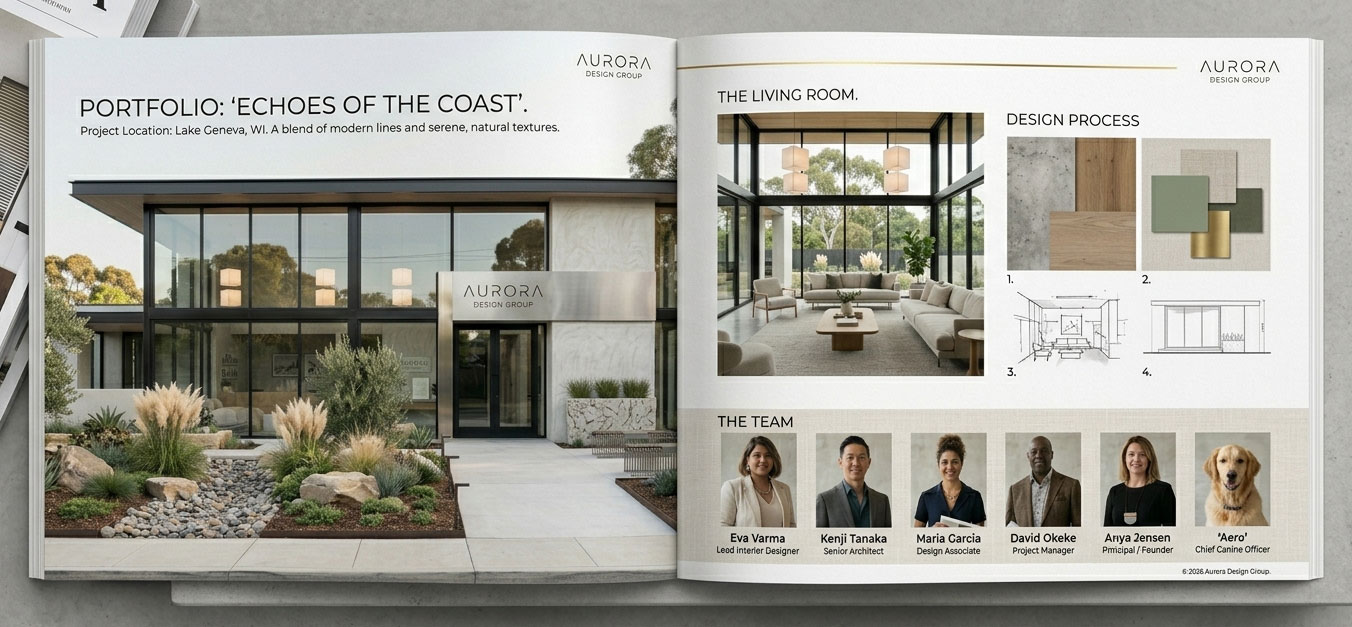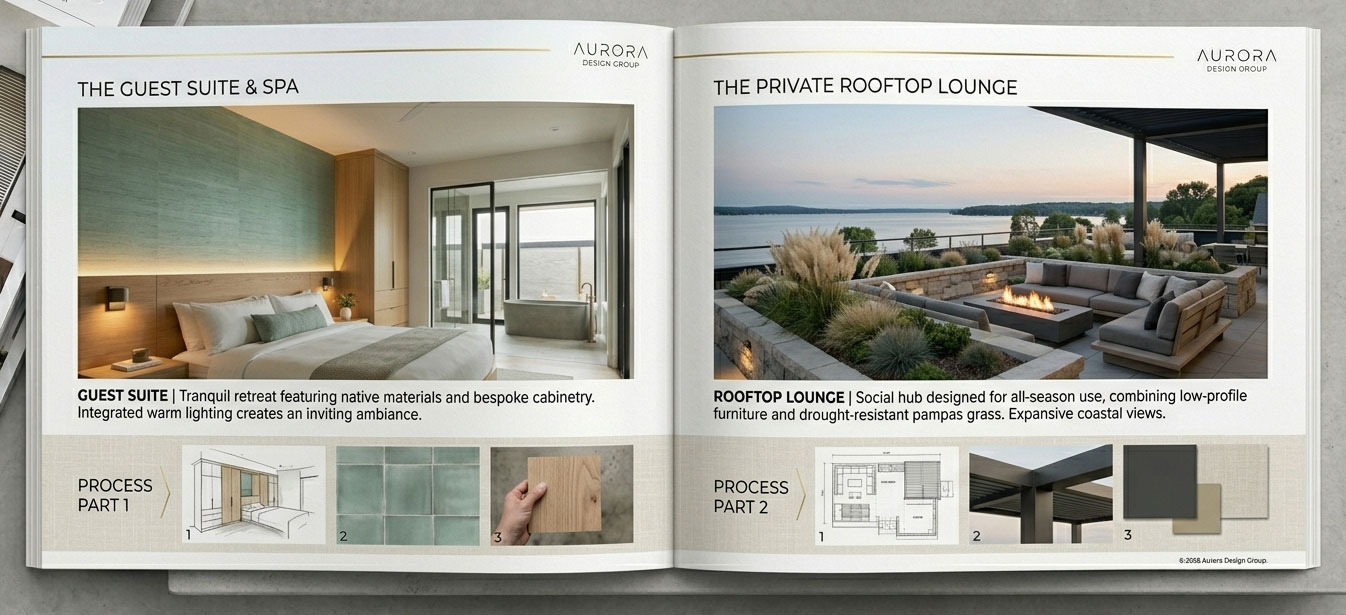
Promotional lookbooks and flyers are popular with all types of businesses. They use them to market themselves to potential customers and other businesses. They are often handed out at trade shows, retail stores, events, and fairs. They are also mailed directly to customers.
For this project, you’ll create your multiple-page booklet in InDesign. In class, I’ll walk through how to make your multiple-page booklet in InDesign. InDesign is the professional’s choice for creating and designing multiple-page booklets, books, magazines, flyers, and brochures.
Grading Checklist
- Design for your client either a:
- 4-page lookbook (17″ x 11″)
- 8-page booklet (5″ x 5″)
- Software: InDesign
- Use the photos you shot yourself (be sure to color-correct and grade them)
- Print your final booklet, then fold, bind, and trim it.
Examples
4-Page Lookbook