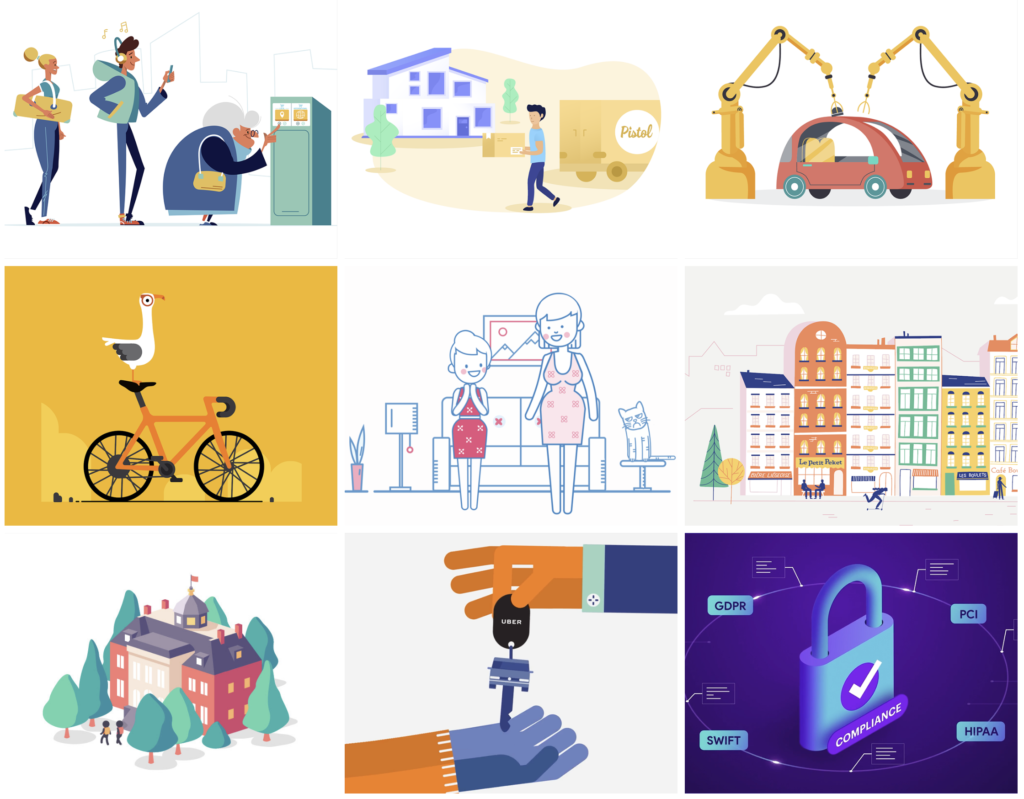
For this project, you will expand your storytelling, animation, and After Effects knowledge by creating a 30–60-second animated video incorporating vector drawing. Beginner-level vector animation is a new set of skills that you’ll learn in this class.
Vector animations are popular to help illustrate and deliver simple-to-complex messages, stories, and instructions. Another name for them is explainer videos.
Most vector animations are either 16:9 (1920 x 1080) or 1:1 ratio (1080 x 1080). We’ll be working for
For this project you’ll:
- Choose a client (I hope you choose our real client and class partner, Western’s Sustainability Department. It’s a great opportunity to work for a real client. It will look good in our portfolio too.)
- For Western Sustainability, choose one of the marketing messages listed below
- Create one 30–60-second vector animation
- Create one 1080 x 1080 pixel social media graphic
- Create a brand guidelines page
- Have your work critiqued by peers and your instructor
- Upload your final video .mp4 to the OneDrive folder link shown in Blackboard > Assignments
You can Design for Western’s Sustainability Department!
We have a wonderful real-world partner in our class that you can design for. You’ll create a 30–60-second 1920 x 1080 animated video and a 1080×1080 social media graphic for them.
Choose one of these marketing messages:
- How to recycle properly. Scrap food from containers. Empty all liquids.
- Reduce. Replace single-use containers with refillable and reusable containers.
- Reuse. Reduce how much you through away. Repurpose and reuse as many things as you can.
- Recycle. Recycle and compost all that you can.
- Skip the Straw
Use the exact wording.
Fonts, colors, illustrations, music, & layout—Student’s Choice
Students: You will choose all aspects of your animation and create your own vector drawings in Illustrator. Your final video will be animated in After Effects.
Video Grading Checklist
- Create one animated video
- Use 16:9 format (1920 x 1080 pixels)
- 30–60 seconds long
- Comp in Illustrator
- Animate in After Effects and render in Adobe Media Encoder
- Upload your final .mp4 video to the link in Blackboard > Assignments
A powerful marketing and educational tool
Animated videos can:
- Show how to do something
- Convey a message or idea
- Tell a story
- Illustrate a process
- Make a sensitive or boring subject lighthearted
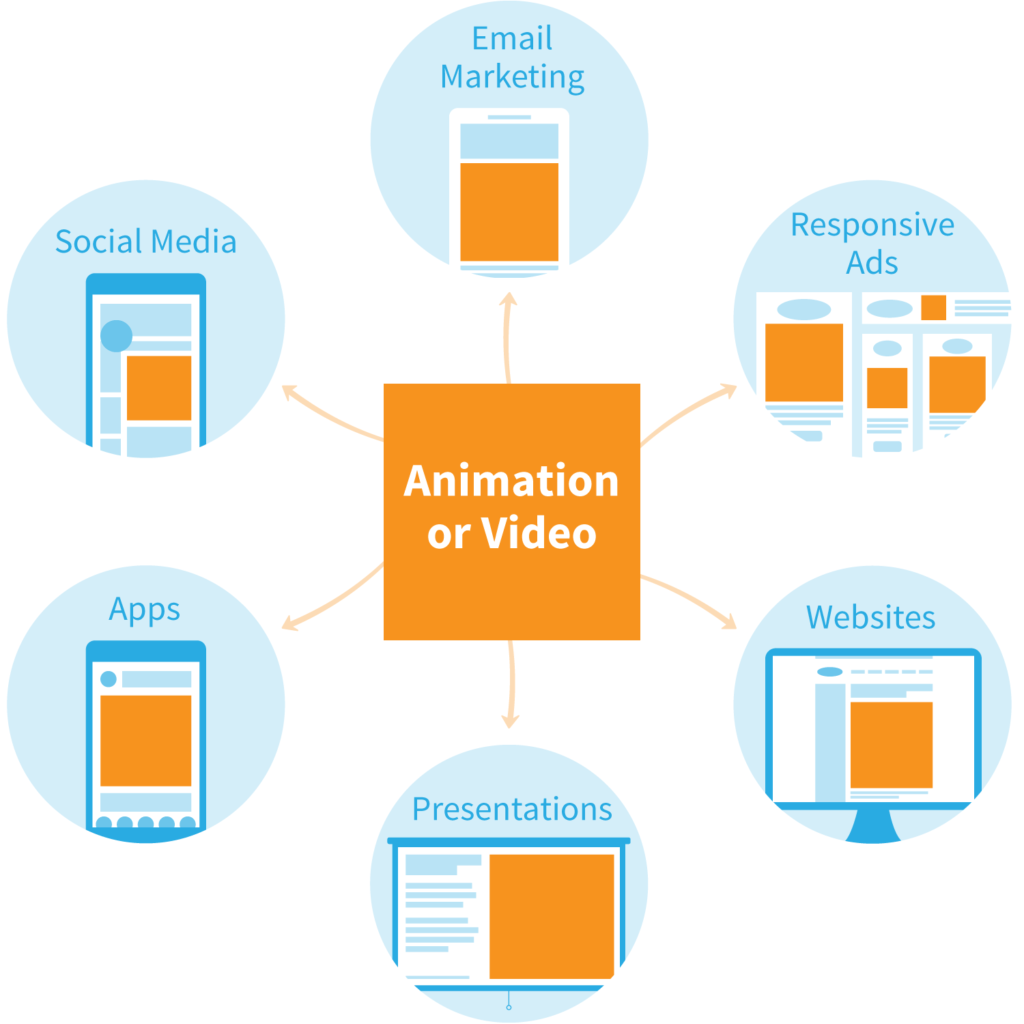
They are effective marketing tools in:
Examples: Behance Collection of Vector animations
Here’s a link to a Behance.net collection of cool vector animations.
Behance Vector Illustrations Collection