
Overview
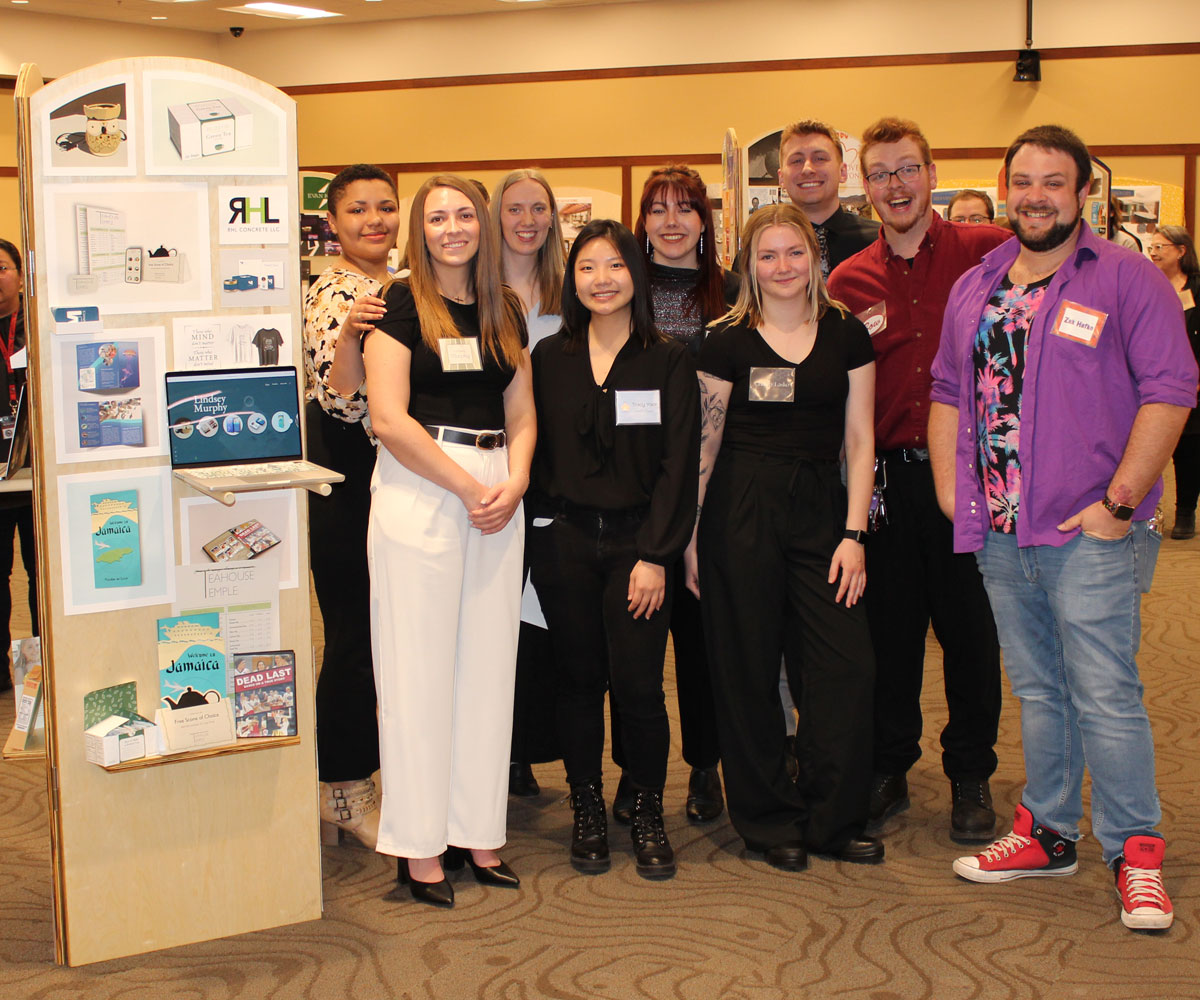
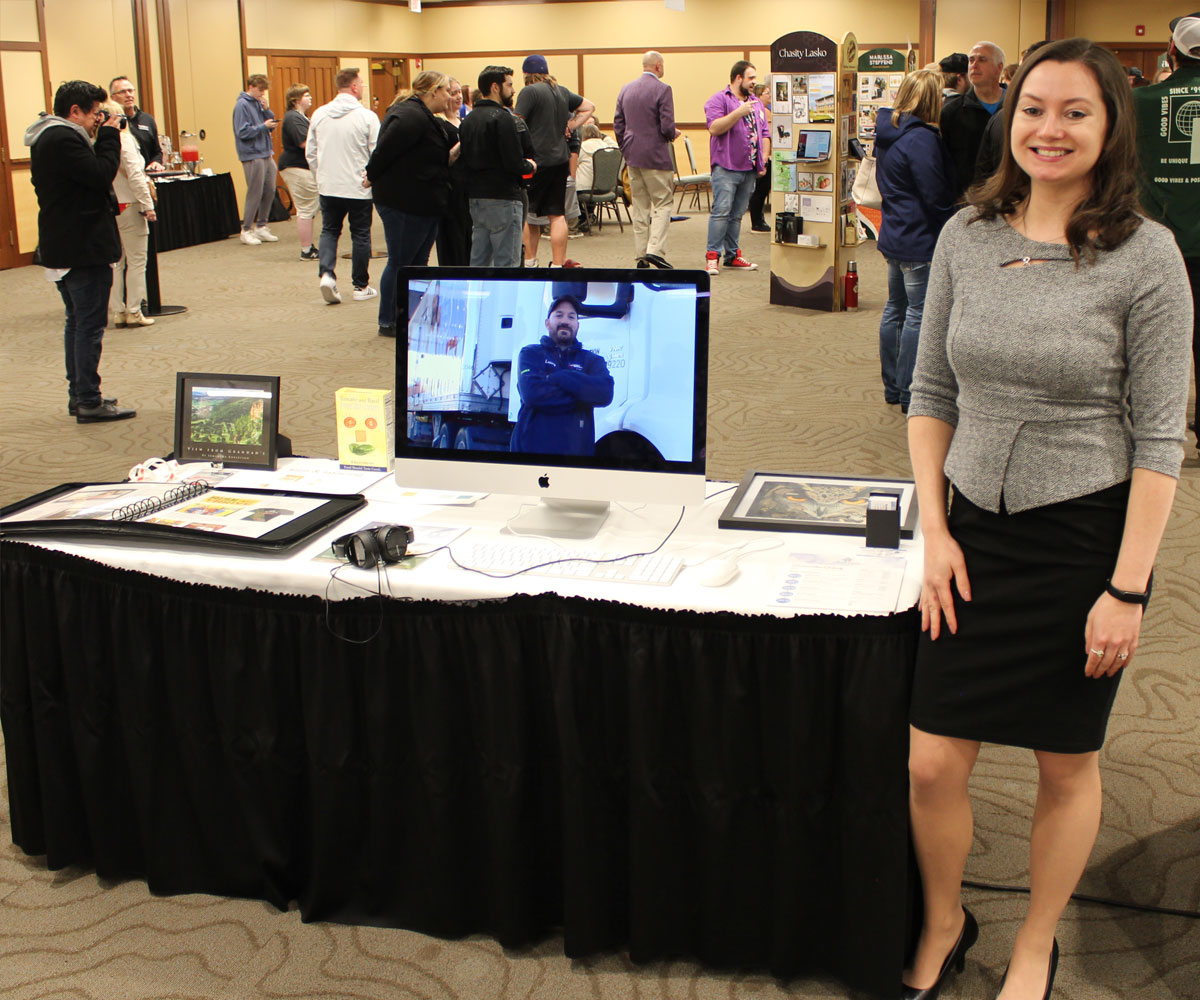
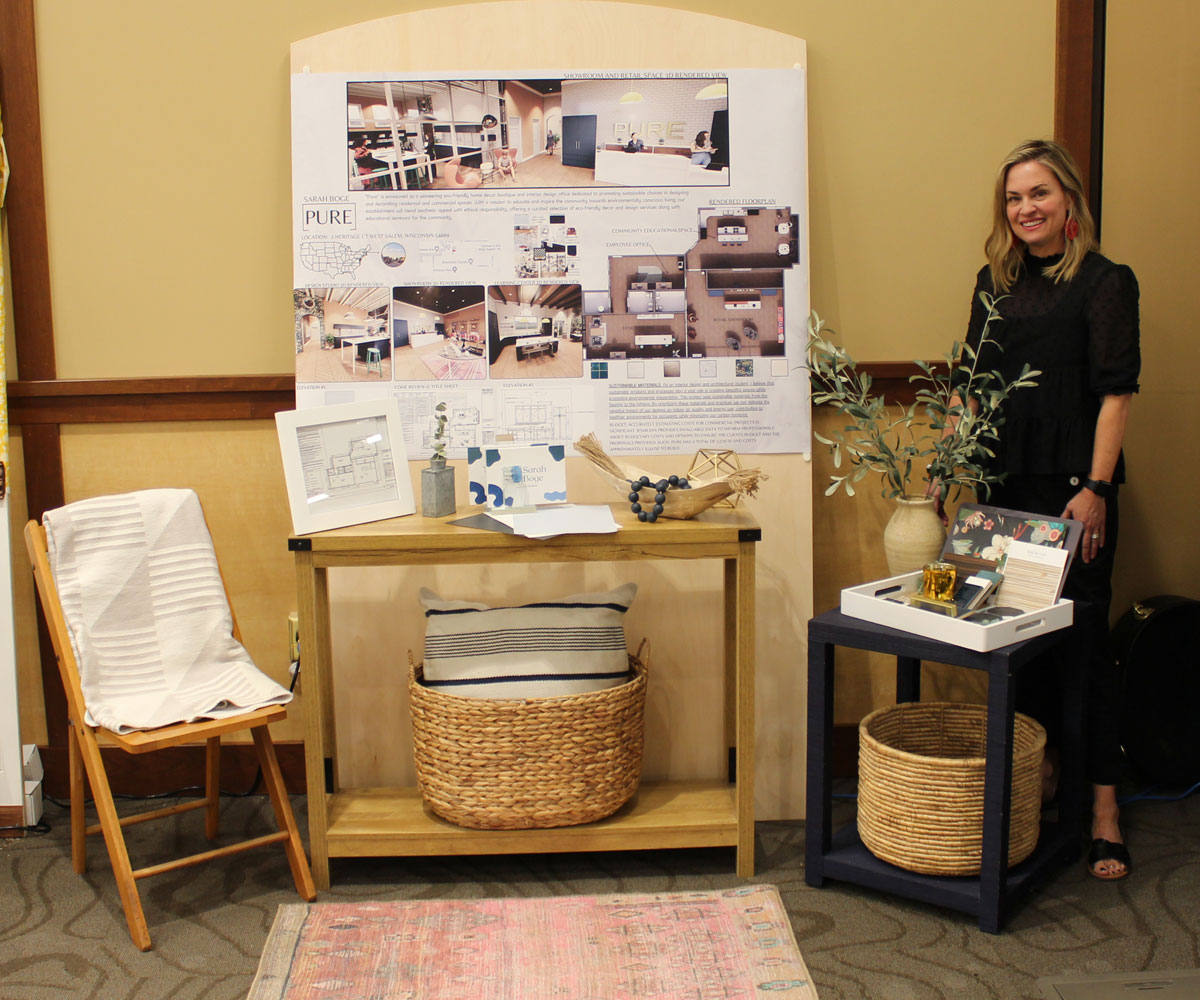
Each April, Western holds a formal Design Showcase for the graduating students in the Graphic Design, Interior Design, and Digital Media Productions programs. You get a chance to show off your work and talents to family, friends, the La Crosse Community, and employers.
This occasion is meant to honor you, our graduating students, and show our appreciation for your degree completion. It also allows you to practice presenting your portfolio. We invite the entire community to attend and congratulate you on your achievement.
Basically, you show up, get your name tag, and finish setting up your display panel. Family, friends, and the community walk by and enjoy your work. You showcase what you’ve done and practice telling people about it. It’s great practice for interviewing.
Be prepared to WOW the attendees and potential employers!
- Design Showcase
Lunda Center
Western Technical College – La Crosse Campus
Wednesday, April 21, 2027, 5–7:00 PM - Students should arrive about an hour early to help me (Craig) move your display to the Lunda Center and finalize your setup. I have a wheeled cart that will help us move a few panels at a time.
Checklist
- Attend the Design Showcase and interact with guests
- Present your work to guests as they arrive at your display
- Dress professionally, as you would for an interview
- Bring mockups and foldables to set on your display’s shelf
- Bring 10–15 copies of your resume
- (Optional) Bring your own tablet (preferred) or laptop (Lunda Center WiFi is available) to show your Behance portfolio, videos, websites, animations, etc.
Designing your display in Class
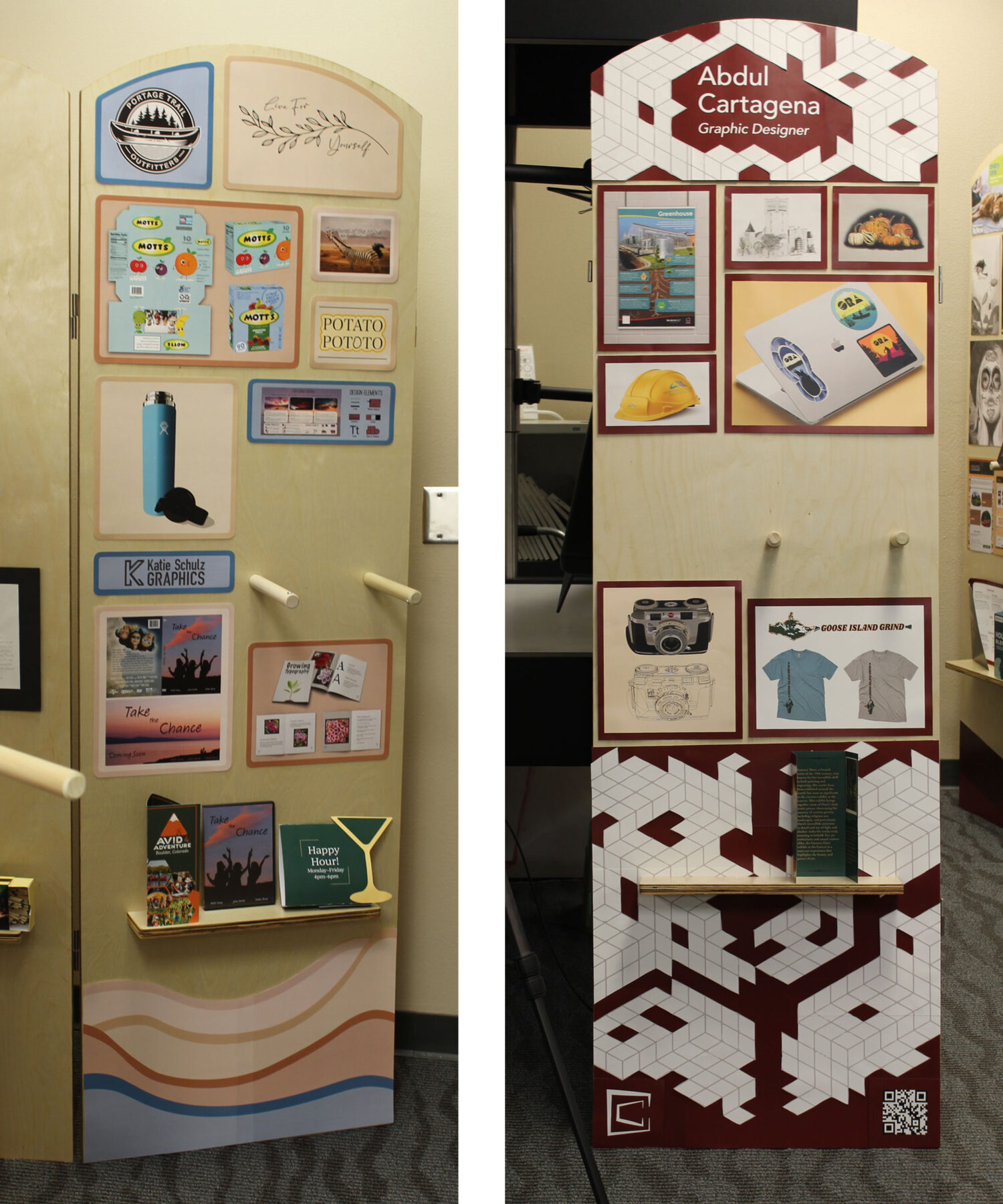
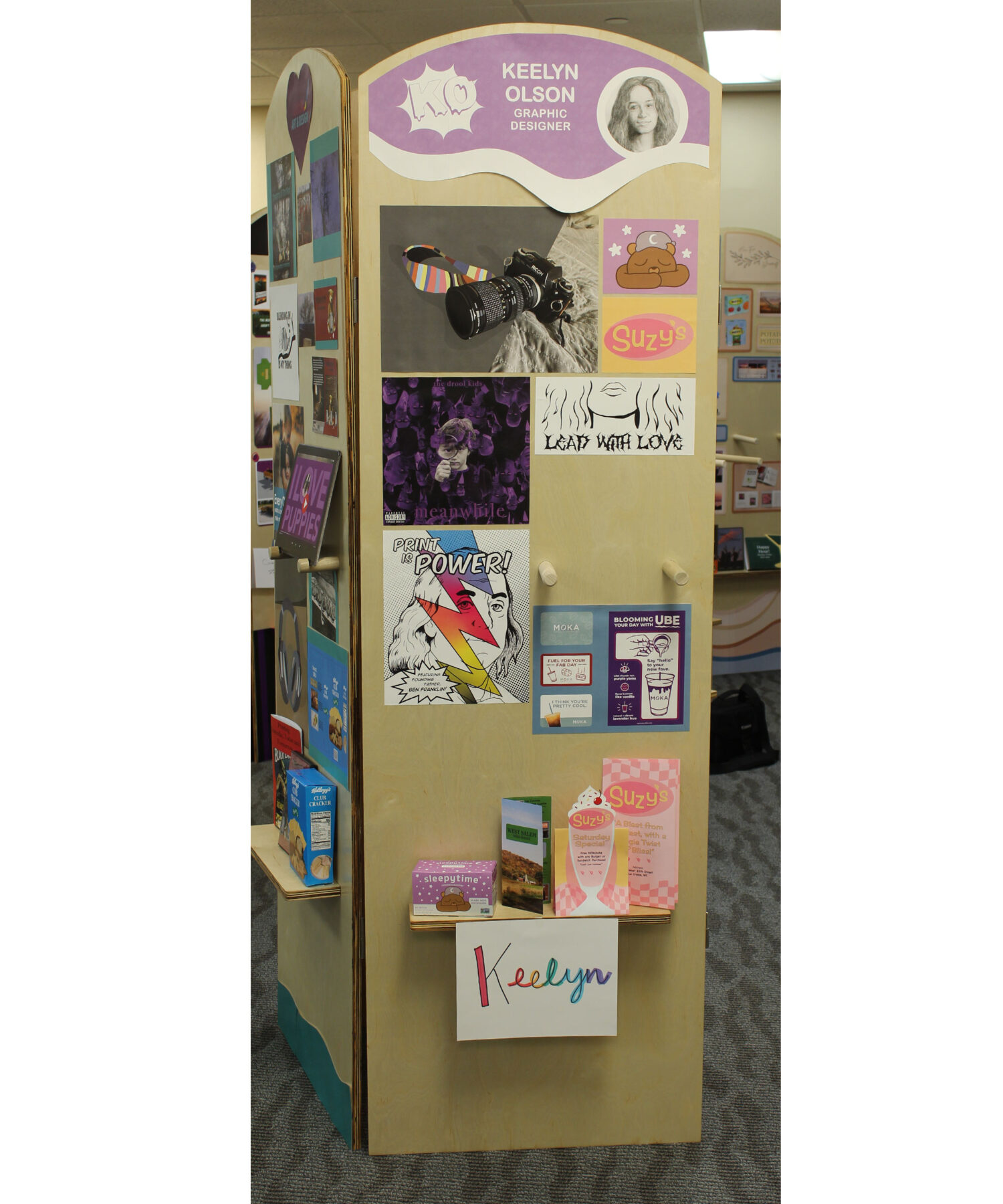
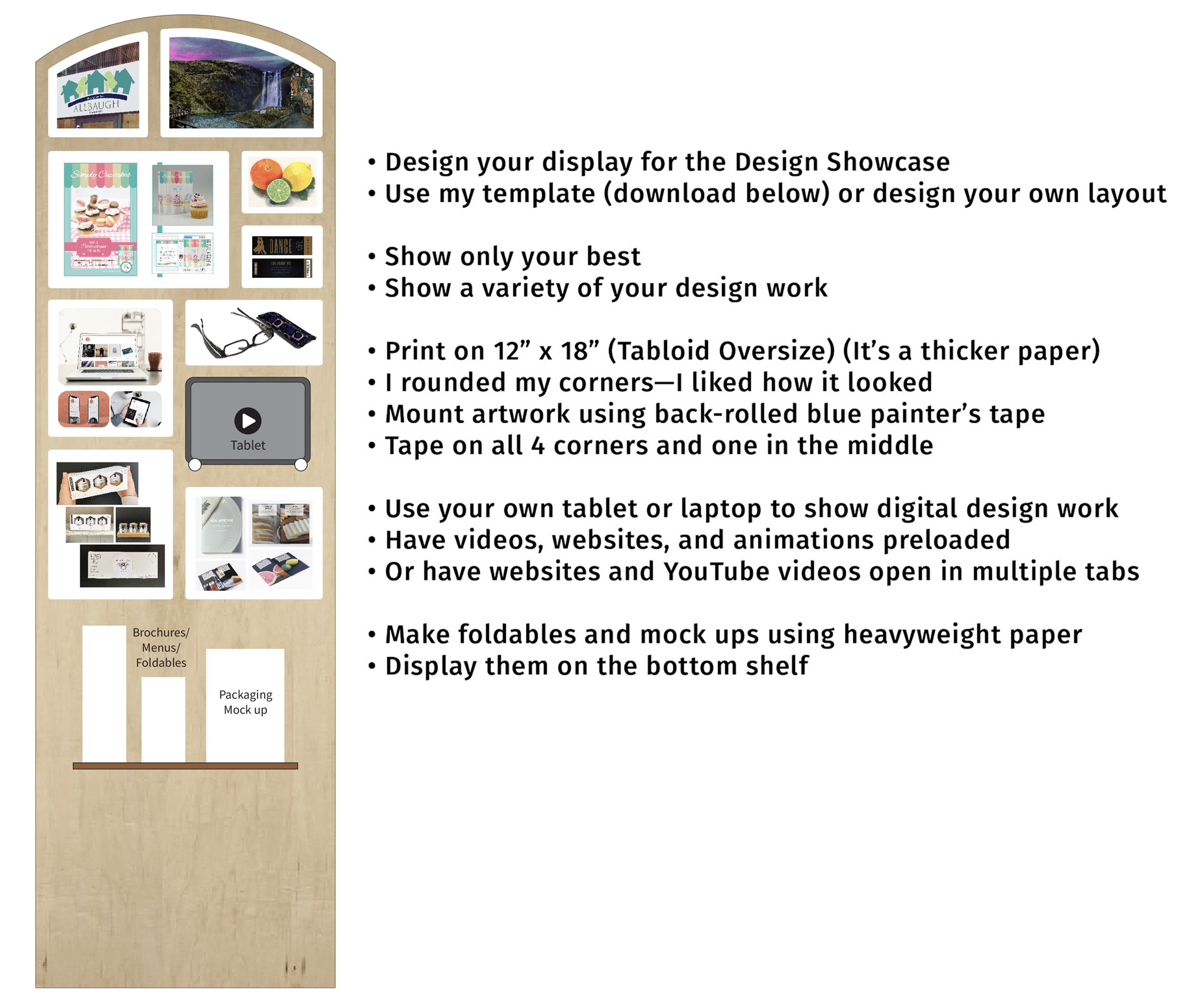
You can customize your showcase display. The tablet peg holes and shelf don’t move, so be sure to design around them. Double-check the size of your tablet so you correctly size and place your artwork around it.
Claim one of the real wood displays set up in the Creative Center. Design and test your layout there. We’ll perfect it in class with critiques so it’s ready to go for April 16th. Keep reworking it until you’re happy and proud of it.
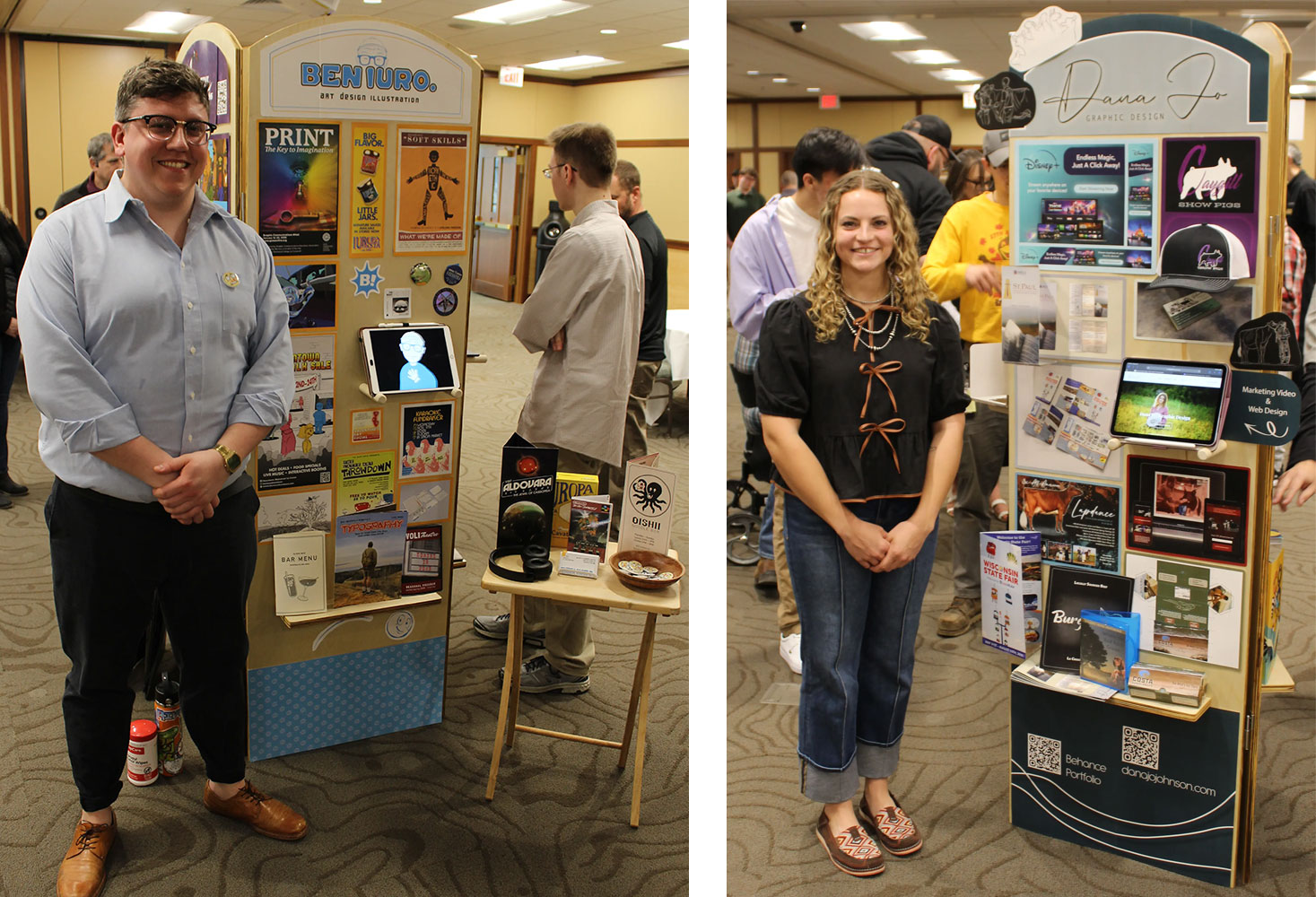
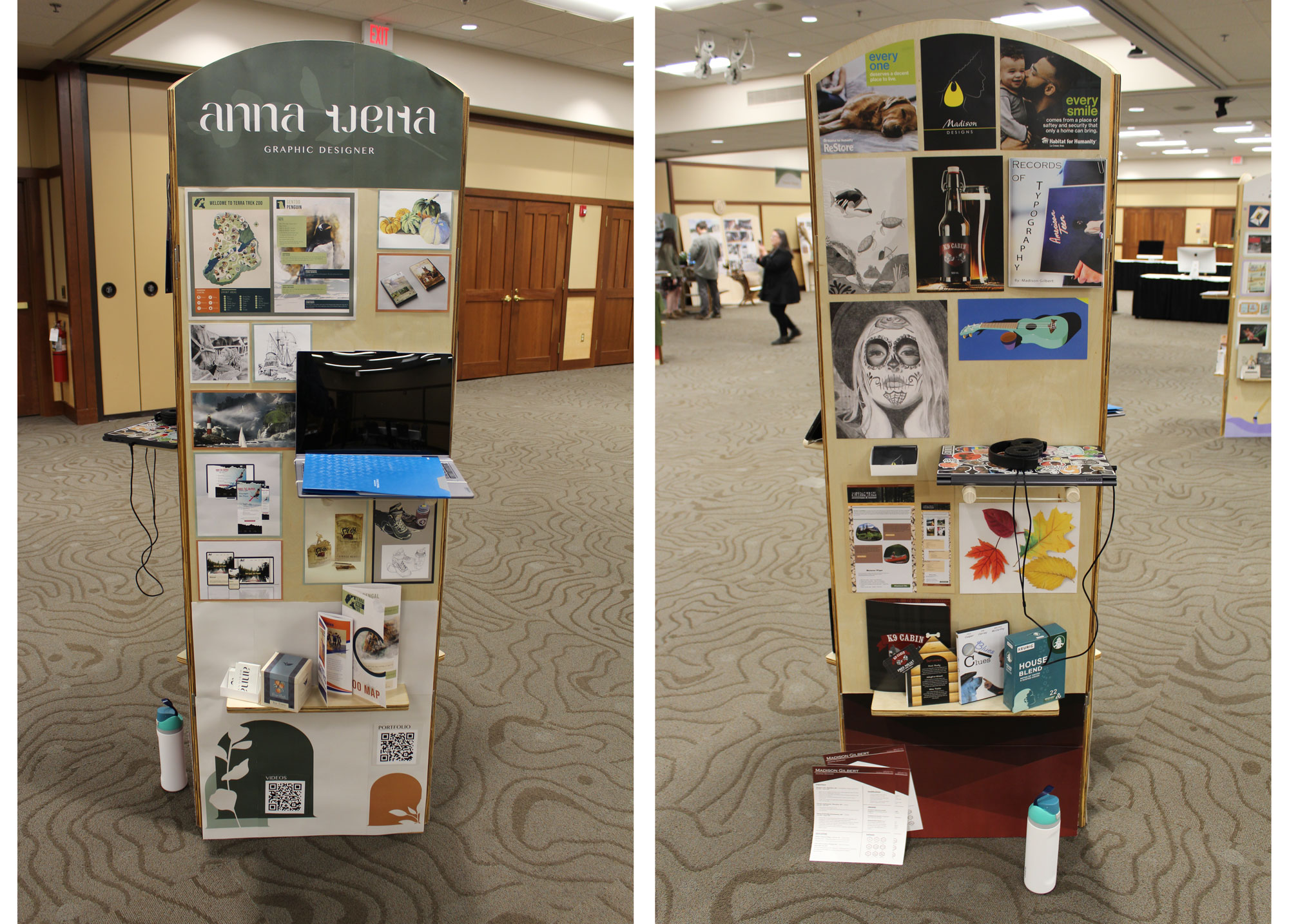
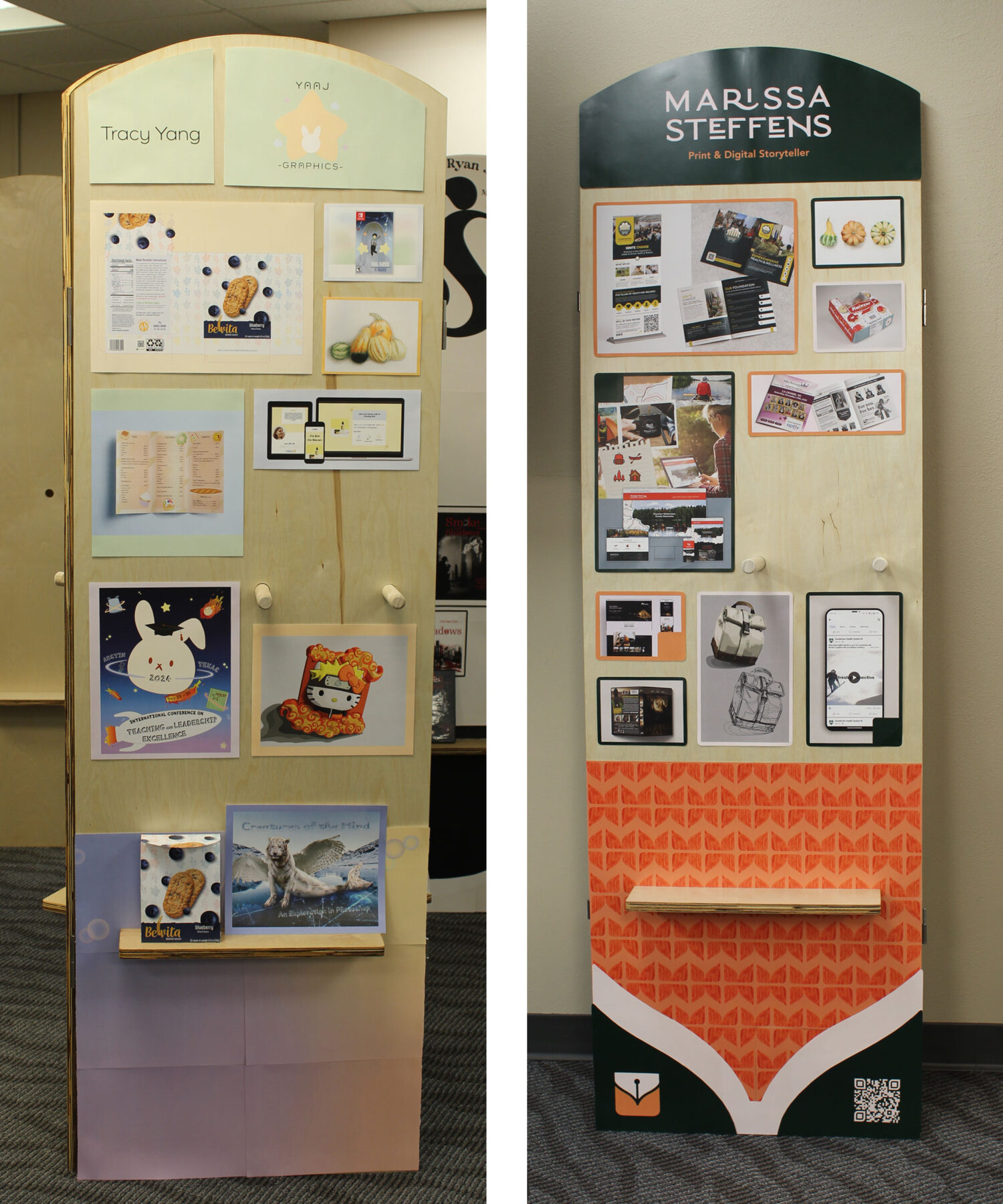
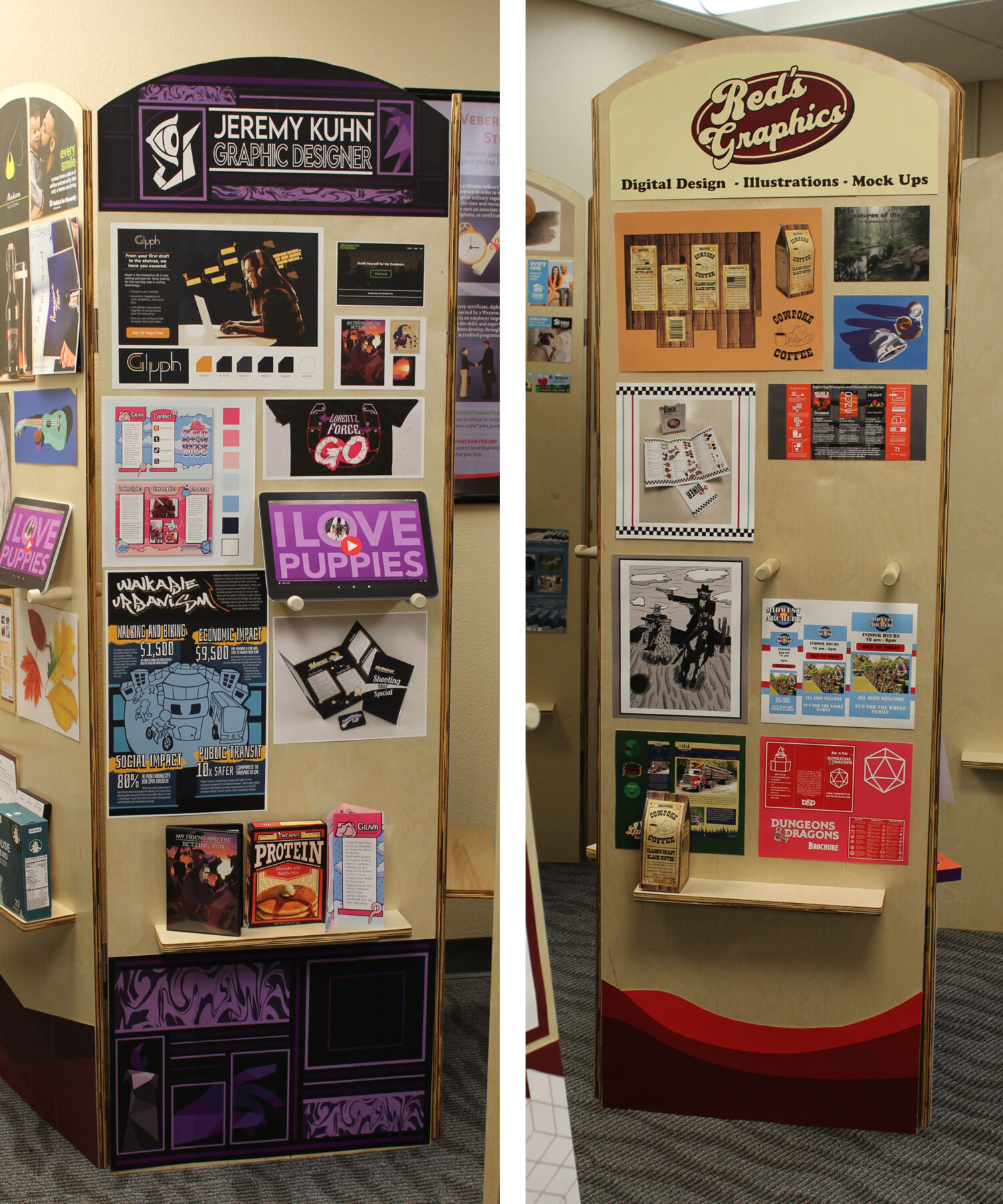
Here’s an example I designed using real student artwork. The thick white borders and backgrounds really help the artwork stand out.

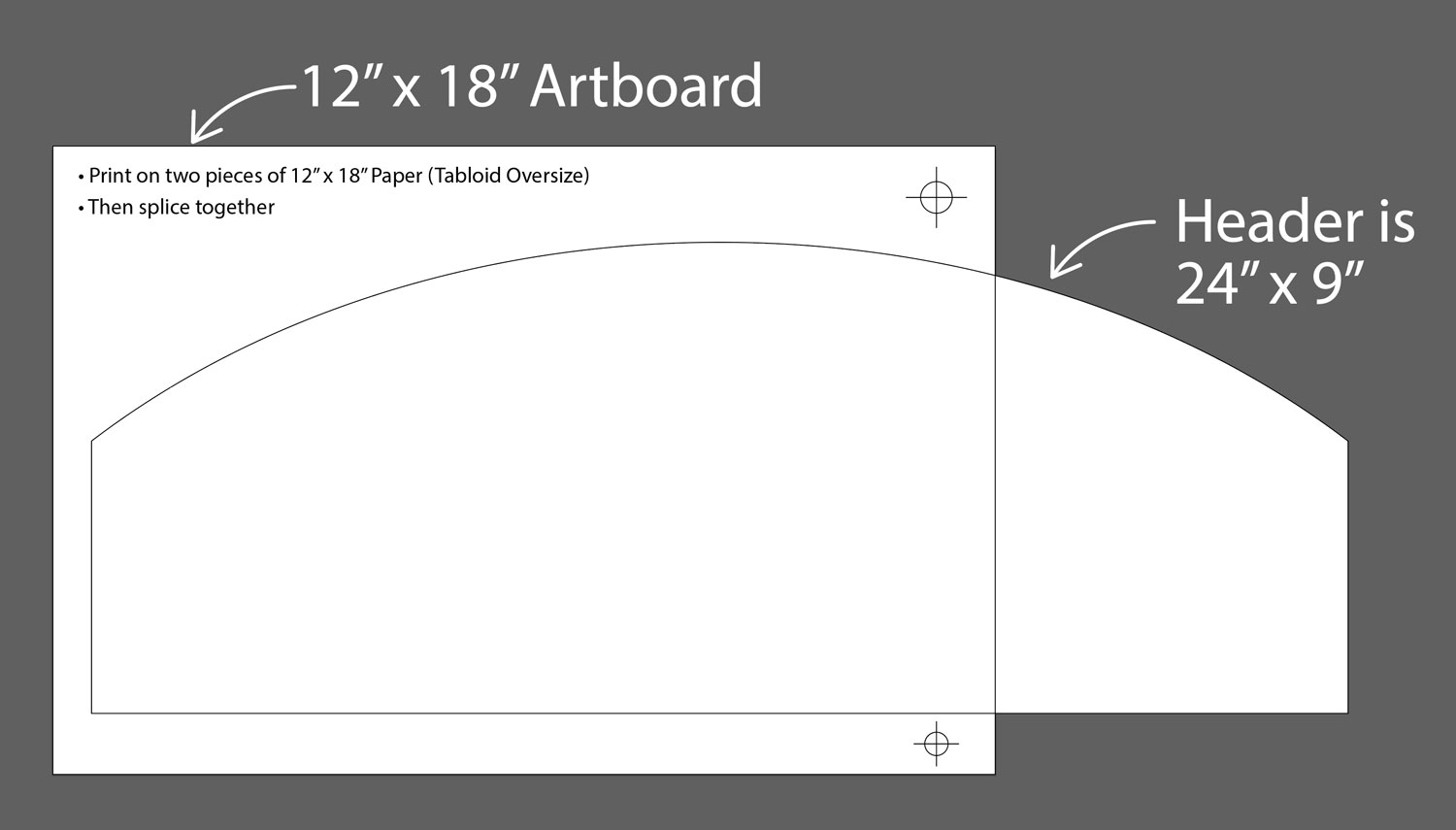
Header Template
If you want one wide header across the top of your display panel, use this template. Our printer can’t print 24″ wide, so you’ll have to print two pieces of 12″ x 18″ (Tabloid Oversize) and splice them together. Use the registration target marks to align the paper on the light table.
Display template
Download this entire display template to begin placing and laying out your artwork. This will help you see how your pieces look together on the display.
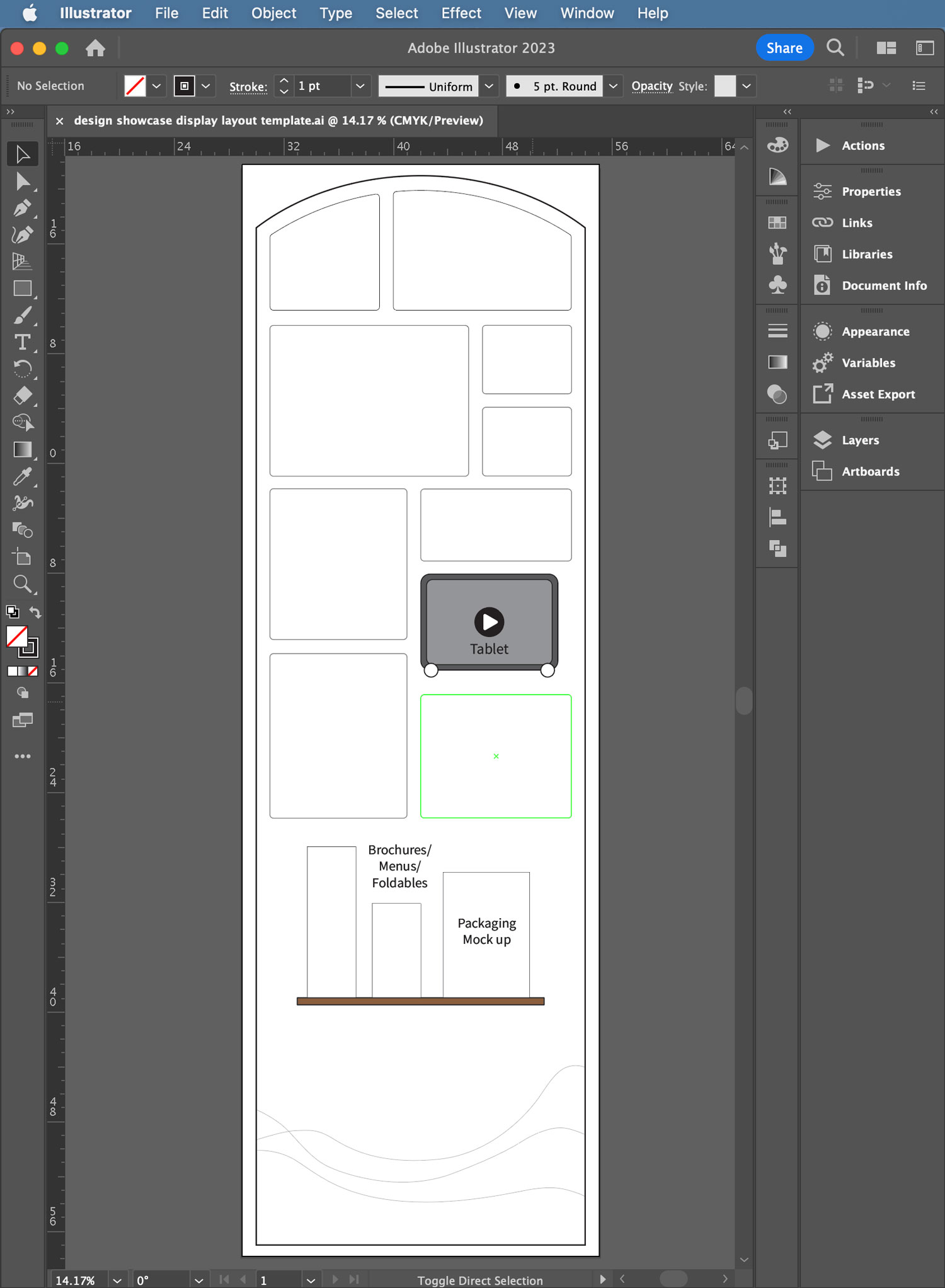
Individual artwork templates
Download and use this Illustrator template file to create your design, like the example shown above (and in the Creative Center).
Or, you may create your own layout and size your design work to fit that.
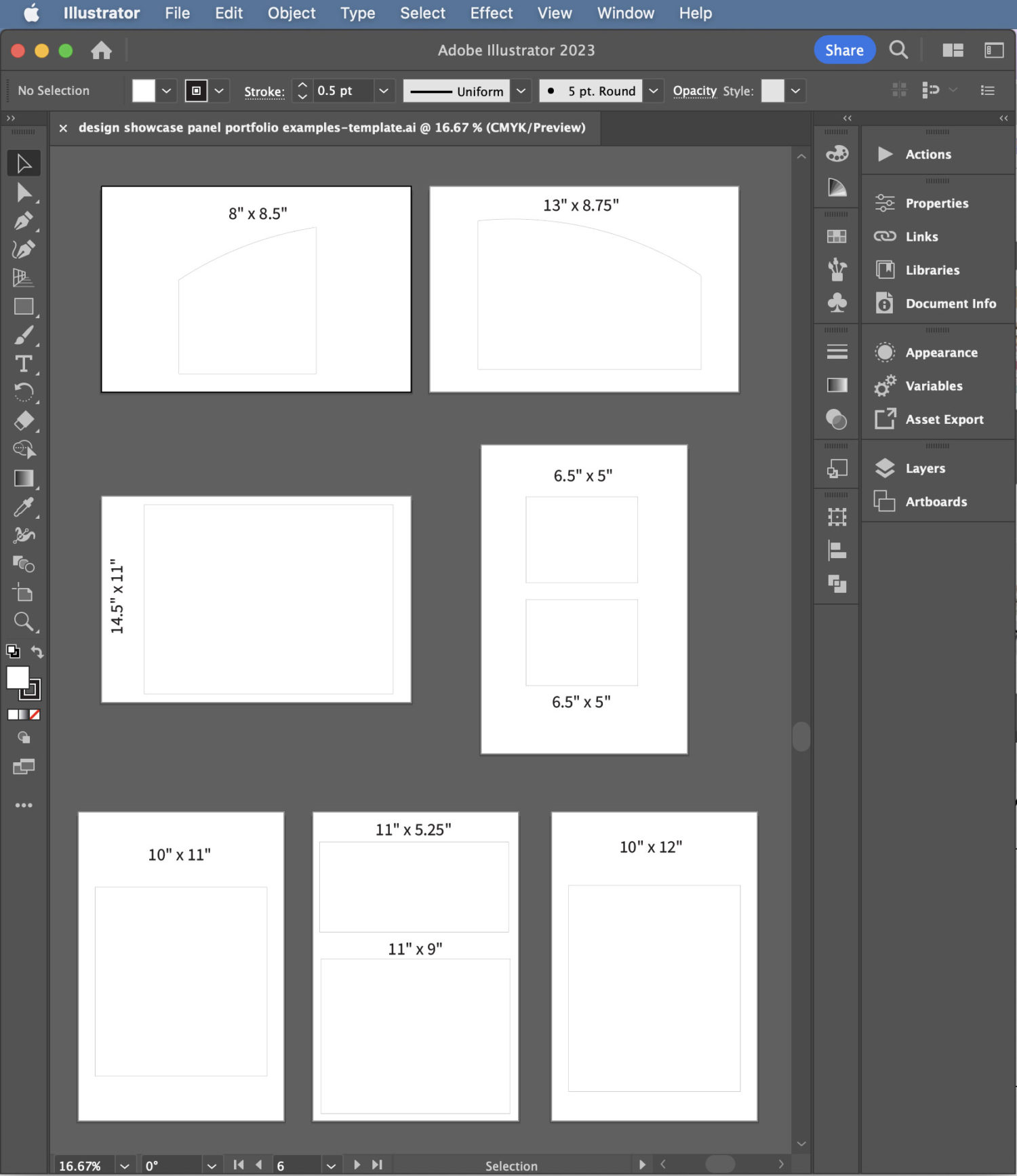
Download my Illustrator template to help you size your artwork, print it, and trim it down.
Student Examples