
Overview
You will create a graphic designer’s printed portfolio with 10–15 printed samples. Employers in the graphic design industry say that you still need a printed portfolio AND an online portfolio (Behance.net) when you apply for a job.
Your portfolio is the most important marketing tool you will have to demonstrate your skills and abilities to a potential employer during an interview. The samples you choose need to show that you have a range of talents and broad experience in many areas of graphic design, video/animation, illustration, and web design.
Grading checklist
- Your completed portfolio case with at least 10 samples
- Design your own unique and consistent page layout (use the template below as a starting point)
- Make mock-ups of everything you can (brochures, packaging, booklets, etc.) These go in the front folder. Take them out during an interview.
Design Your Page
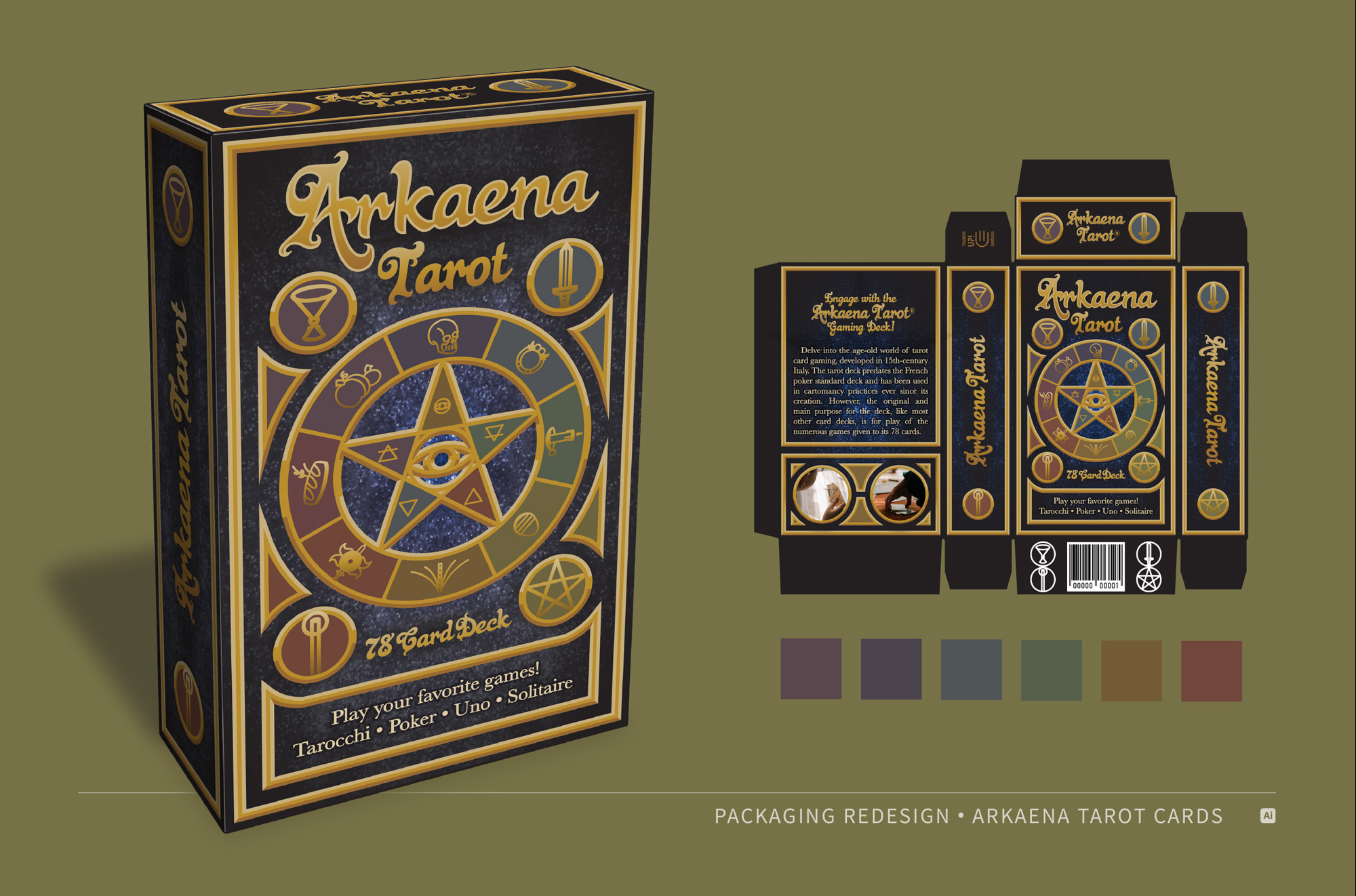
The first step in creating your graphic designer’s portfolio will be to design a 17″ x 11″ page for each sample of your design work. You can use my template below or create your own page layout. Put one design or illustration project per page and make one main element the largest. It looks best when you design the page to “present your work” and include other interesting elements like color schemes, brand guidelines, sketches, etc.
Here’s an example:
Download The Template Here:


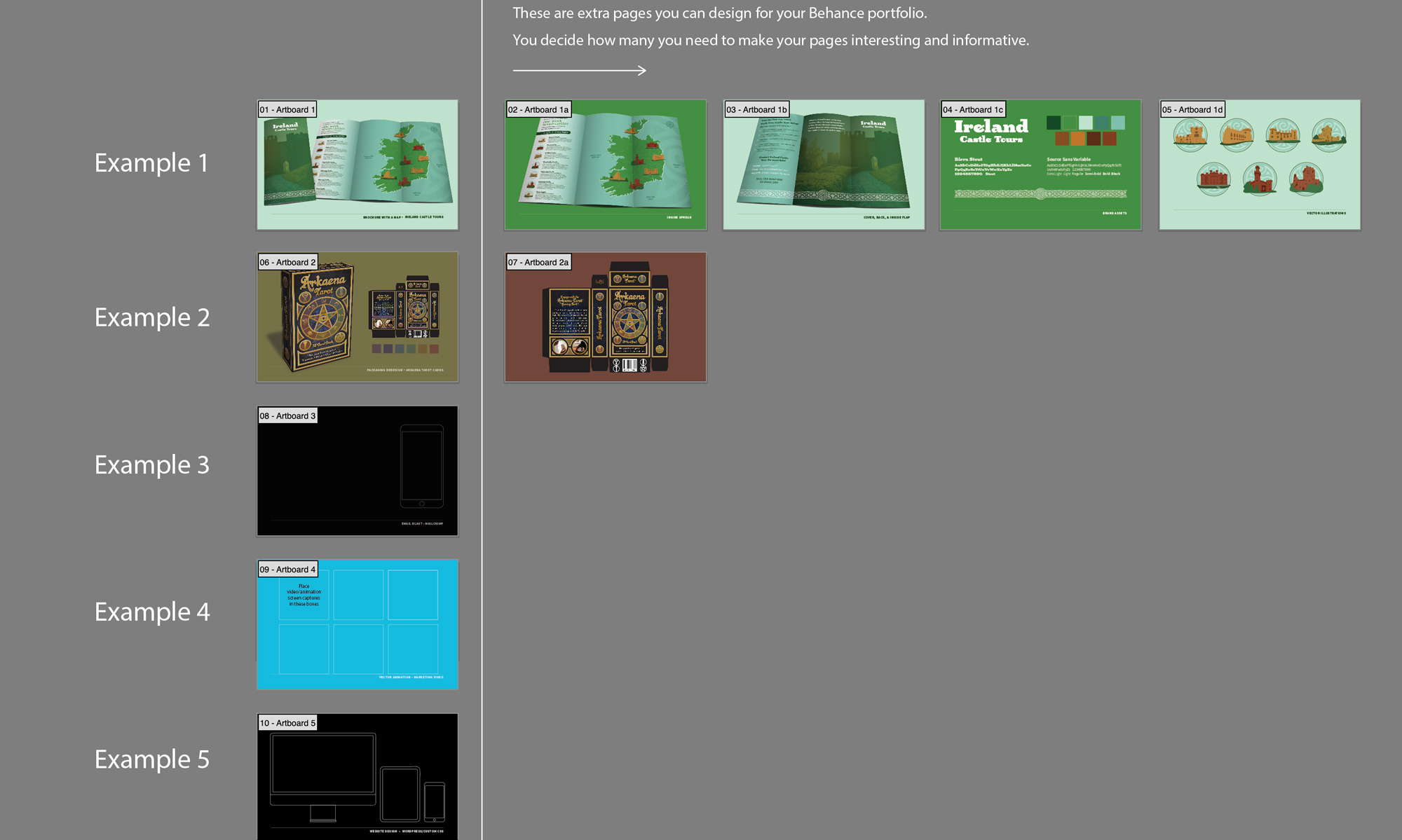
Template Overview in Illustrator
Here’s what the template looks like when opened in Illustrator. It has several pages already set up with titles and sample projects. All you have to do is add your design work, change the titles, and redesign it if you want to.
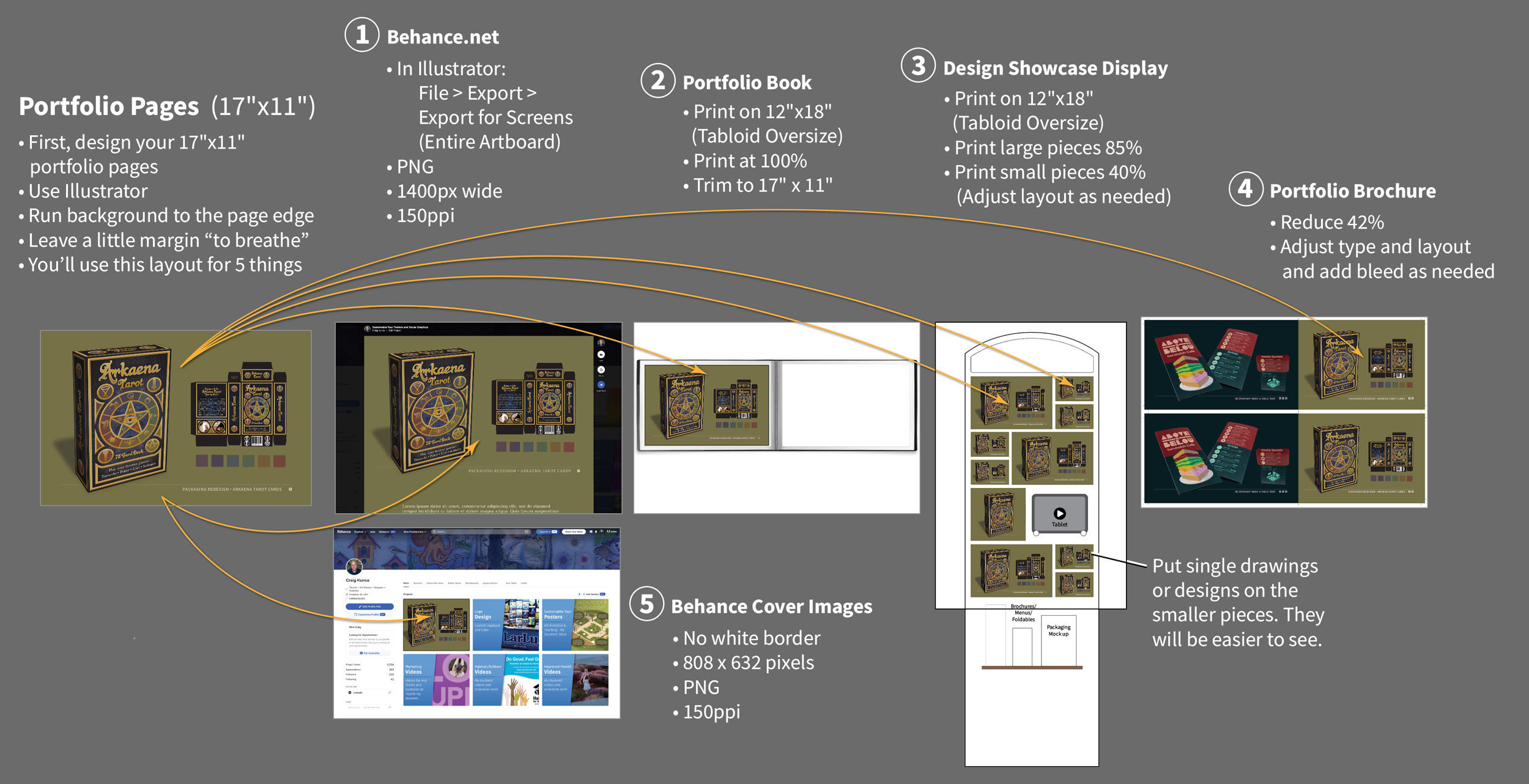
5 Uses For Your Portfolio Pages
These 17″ x 11″ portfolio pages can be used to create all the marketing pieces you need to help you get a job.
- Your online Behance portfolio
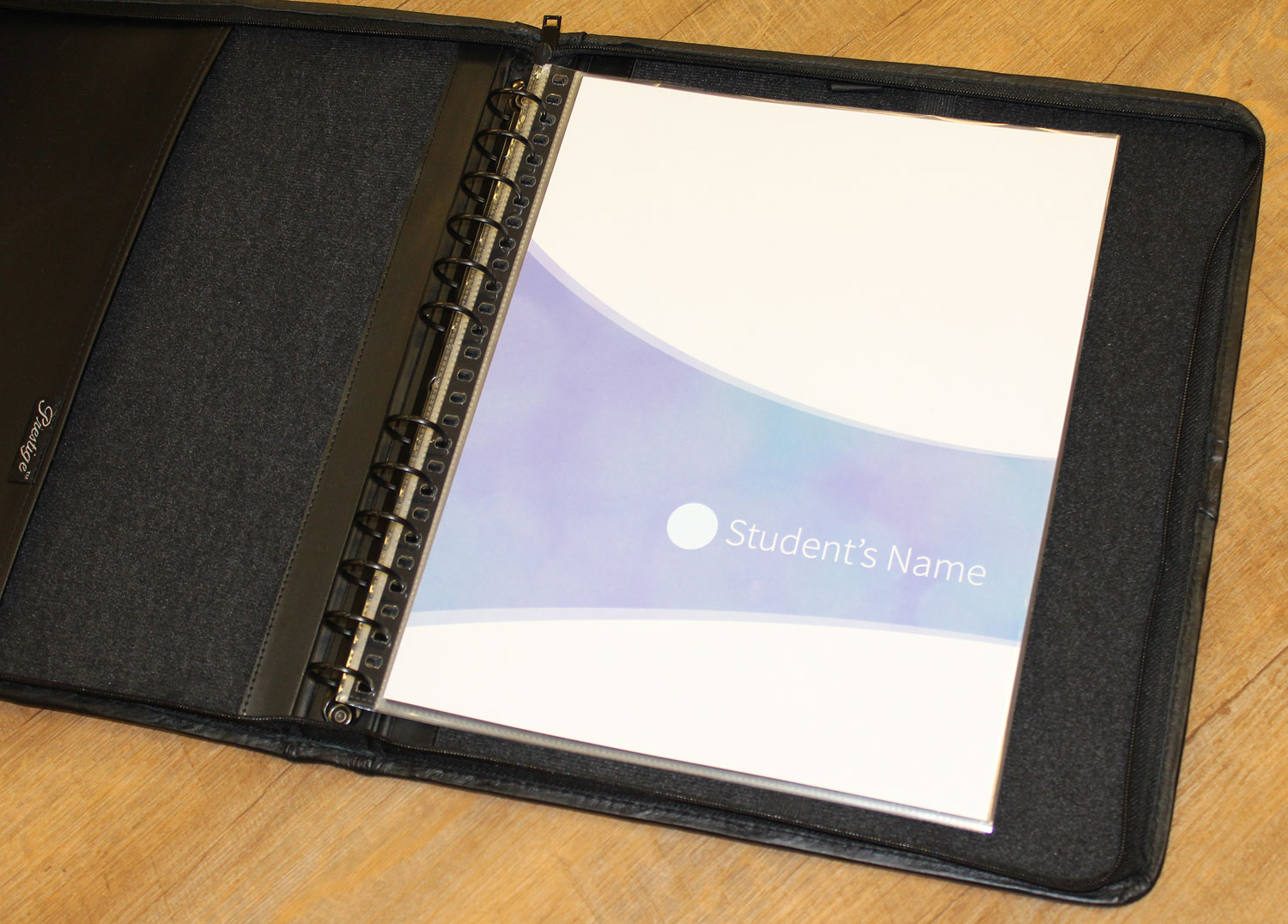
- Your printed portfolio book
- Your Design Showcase display panel
- Your portfolio brochure
- Your Behance cover images
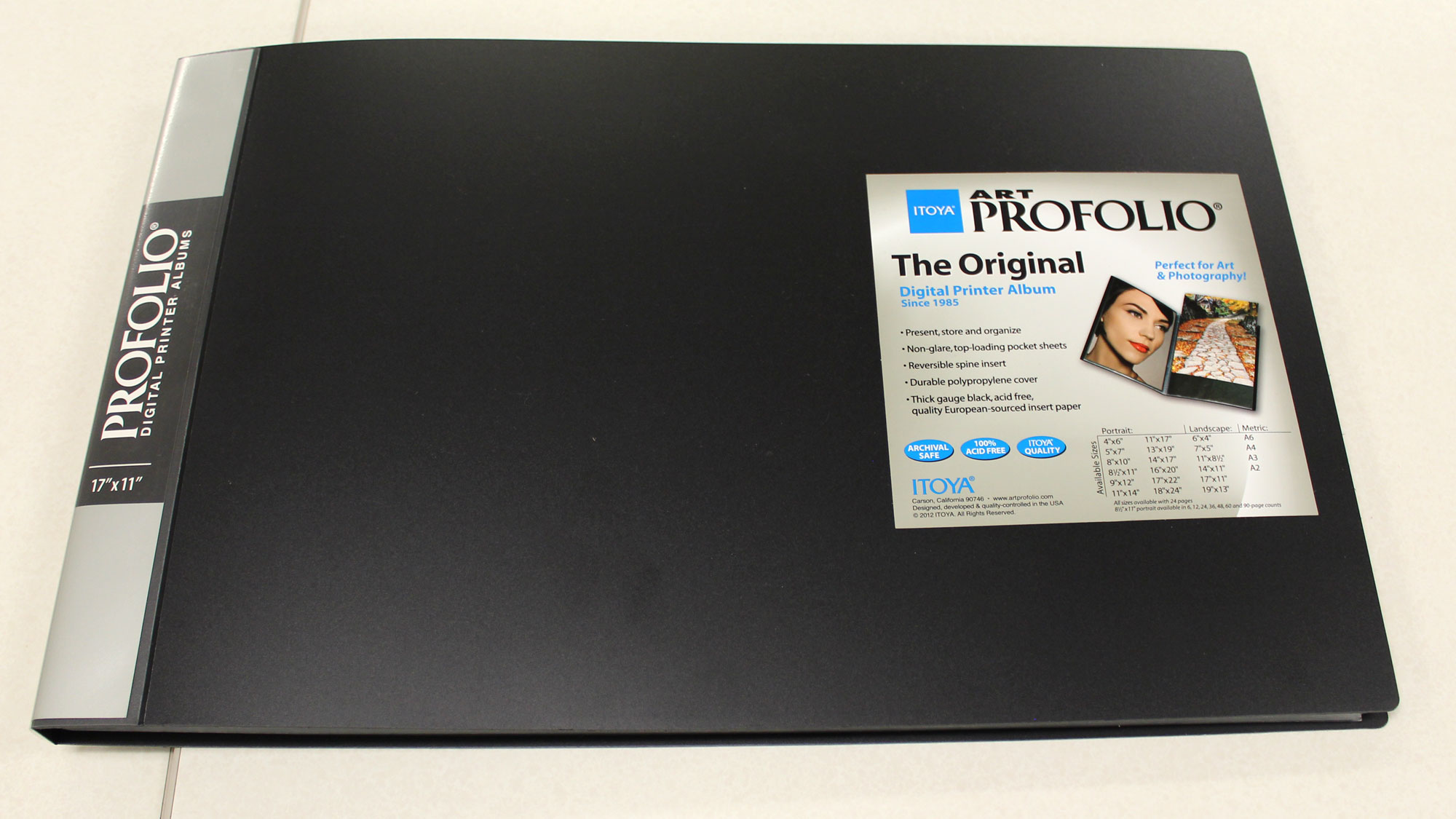
Which Portfolio should I buy?
This 17″ x 11″ horizontal portfolio is an excellent choice for graphic designers. You can buy it from the Western Campus spirit shop/bookstore for $35.
How to layout your book
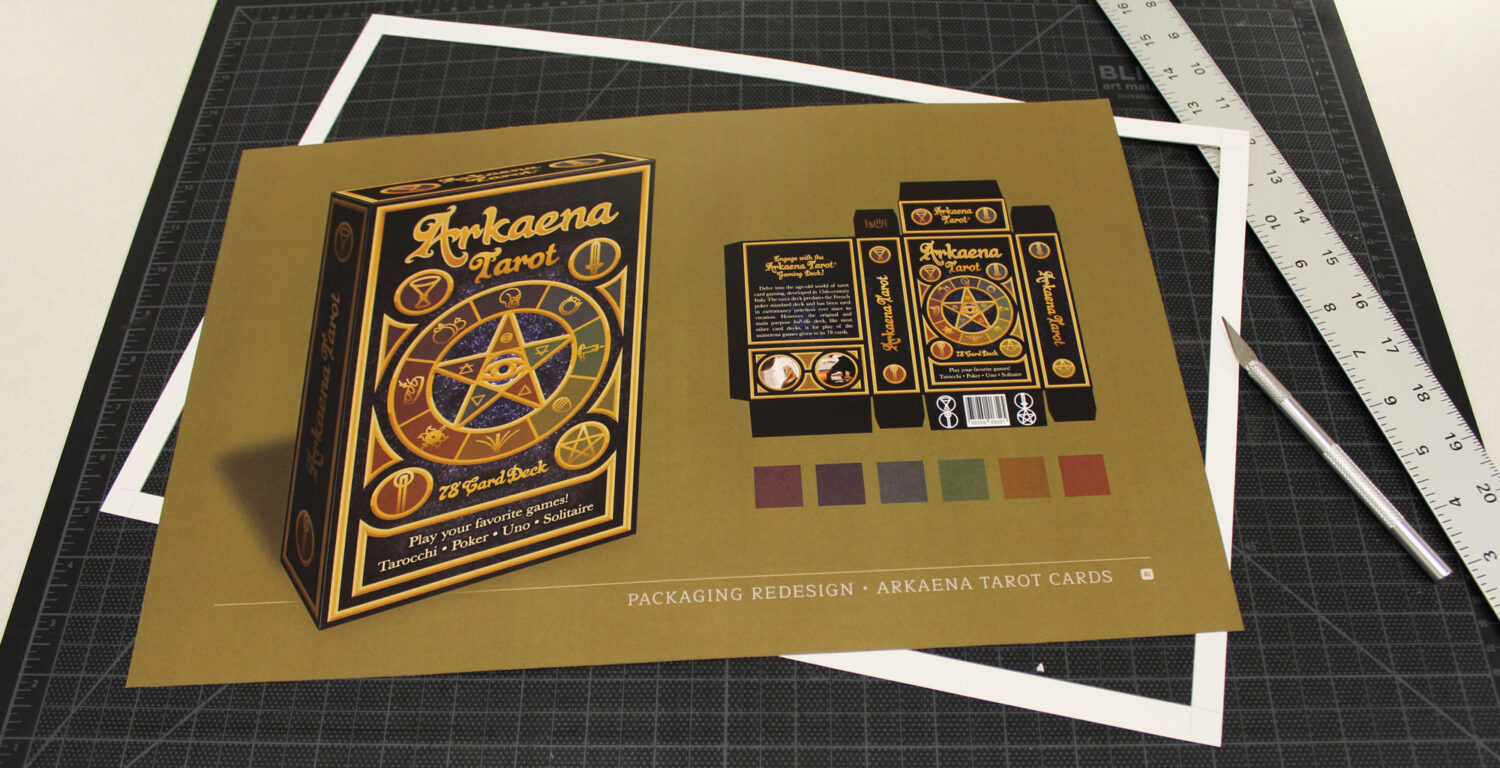
One 17″ x 11″ page fits into each page sleeve. Print your portfolio pages on 18″ x 12″ (Tabloid Oversize) and trim them down to 17″ x 11″.
Like this:
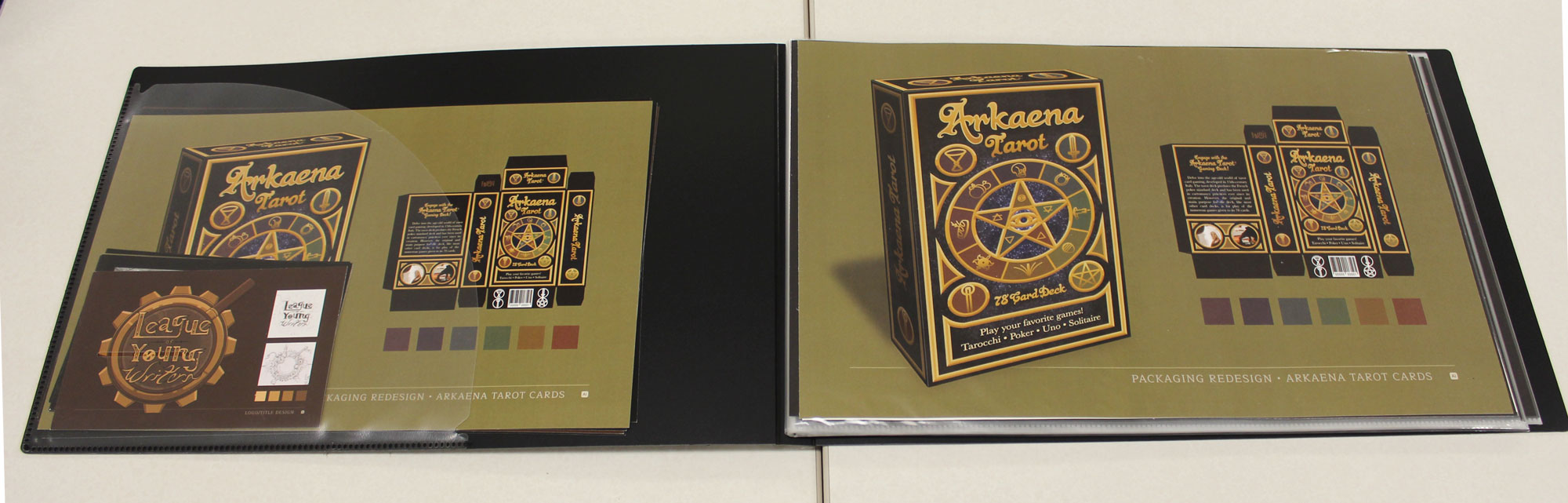
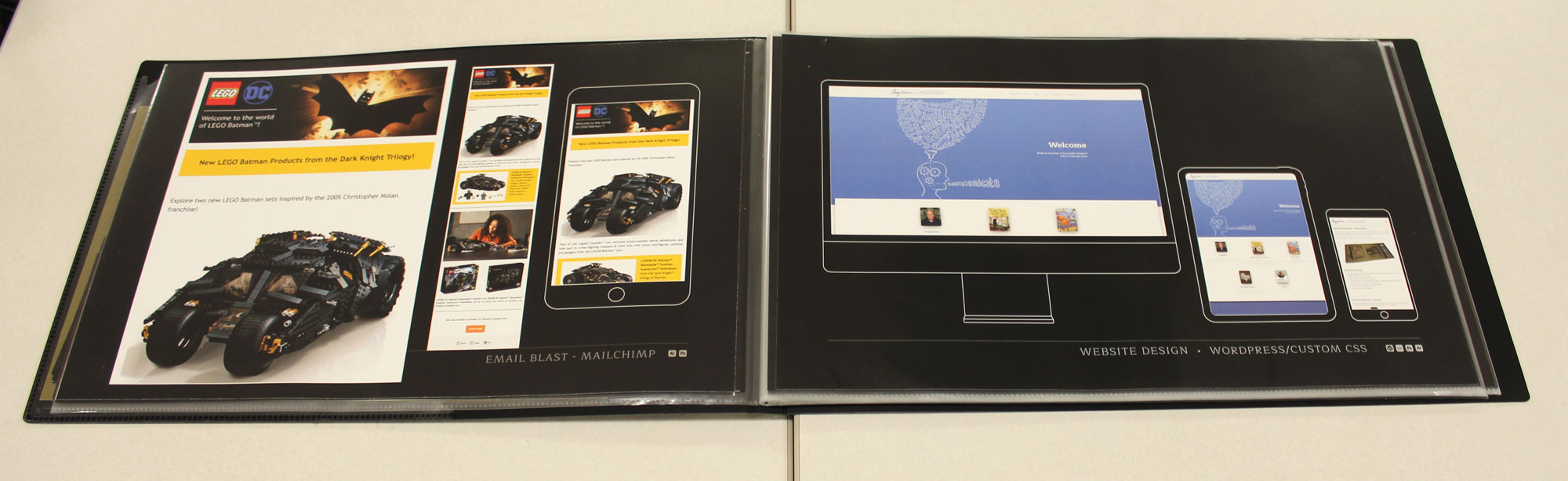
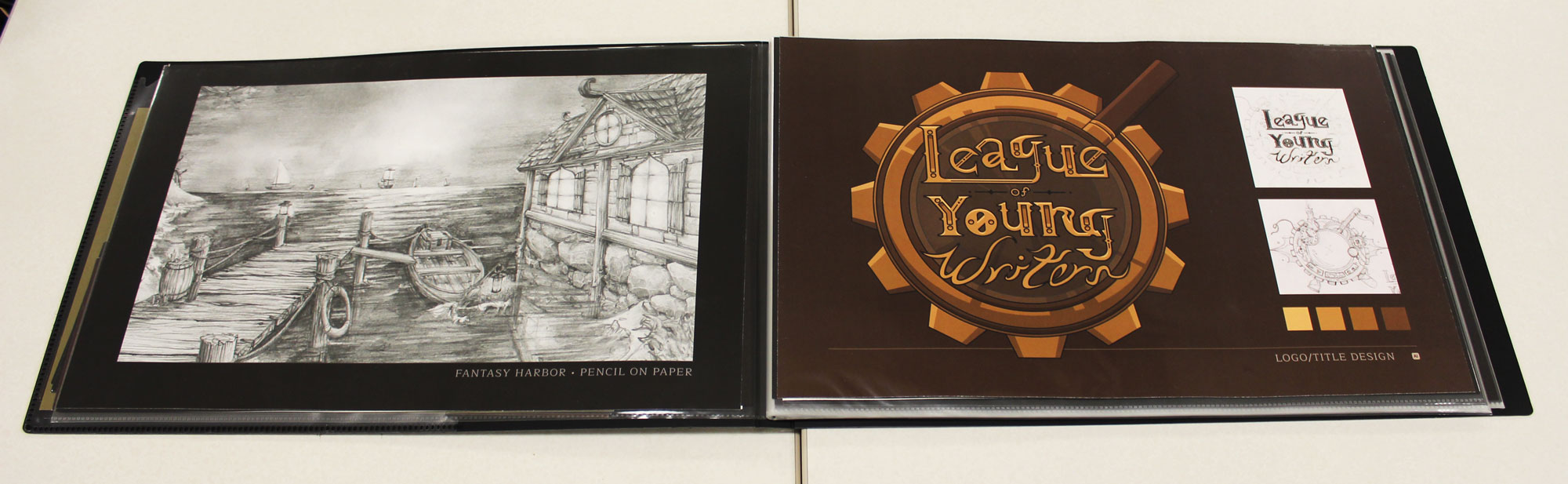
Then insert each page into a clear sleeve. I only print one side per page so you can easliy change the page order when you want to.
Spine Label – Template
Download this template and design your own label for your portfolio book. Print the template page on 12″ x 18″, crease it for folds on the dashed lines, and then trim it.

Organizing your Page Flow
- The first sample should always be the best sample. Make sure it is a comprehensive design sample. WOW! Them with your first piece.
- The last sample should be your second best. Open and close with a WOW!
- Middle samples should still be your best work.
- You may alternate your samples to add variety and interest. This will continuously demonstrate your versatility and wide range of skills and talents. Example: design, illustration, Web page, printed sample, drawing
- Or, if you prefer, you may group your designs together. Example: all design samples, then all Web samples, Photo samples, etc. Personally, I prefer the alternating samples approach.
I suggest you show thumbnails and concept ideas in your portfolio, especially if you are applying for a more creative job that will require conceptualization, visual problem-solving, and designing. Art directors and creative directors like to see how you arrived at your final ideas, and which ideas you chose not to use. If your thumbs and roughs are scribbled on a piece of notebook paper or a scrap of paper, clean them up a little and just scan them in, as-is. The creative process can be messy, and I feel it is okay to show this process. A two-page spread works well for this type of sample. Put your finished piece on the left side (so they see the best piece first), and place your thumbs and idea sketches on the right.
Your portfolio must be flawless, and impactful, and show that you can do the job you are applying for.
Mockups – Free
Here is a website with free templates and photos to help you mock up your websites, tablets, phones, business cards, posters, print work, etc.
Student examples
Note: 2026 students are the first to design in the horizontal portfolio format (17″ x 11″). So there are no student samples to show, yet. The samples below are for a vertical portfolio, but still show nice layout options.
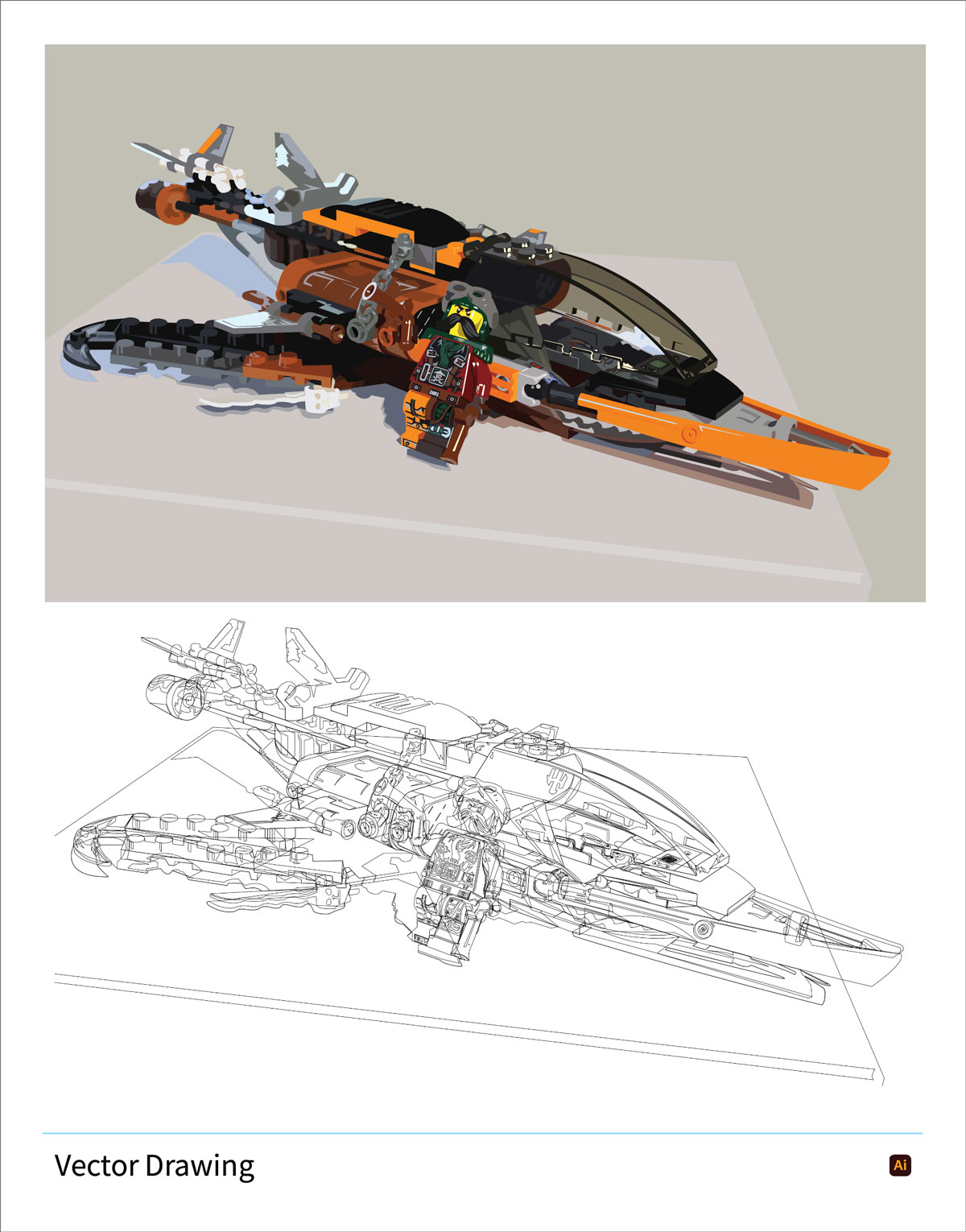
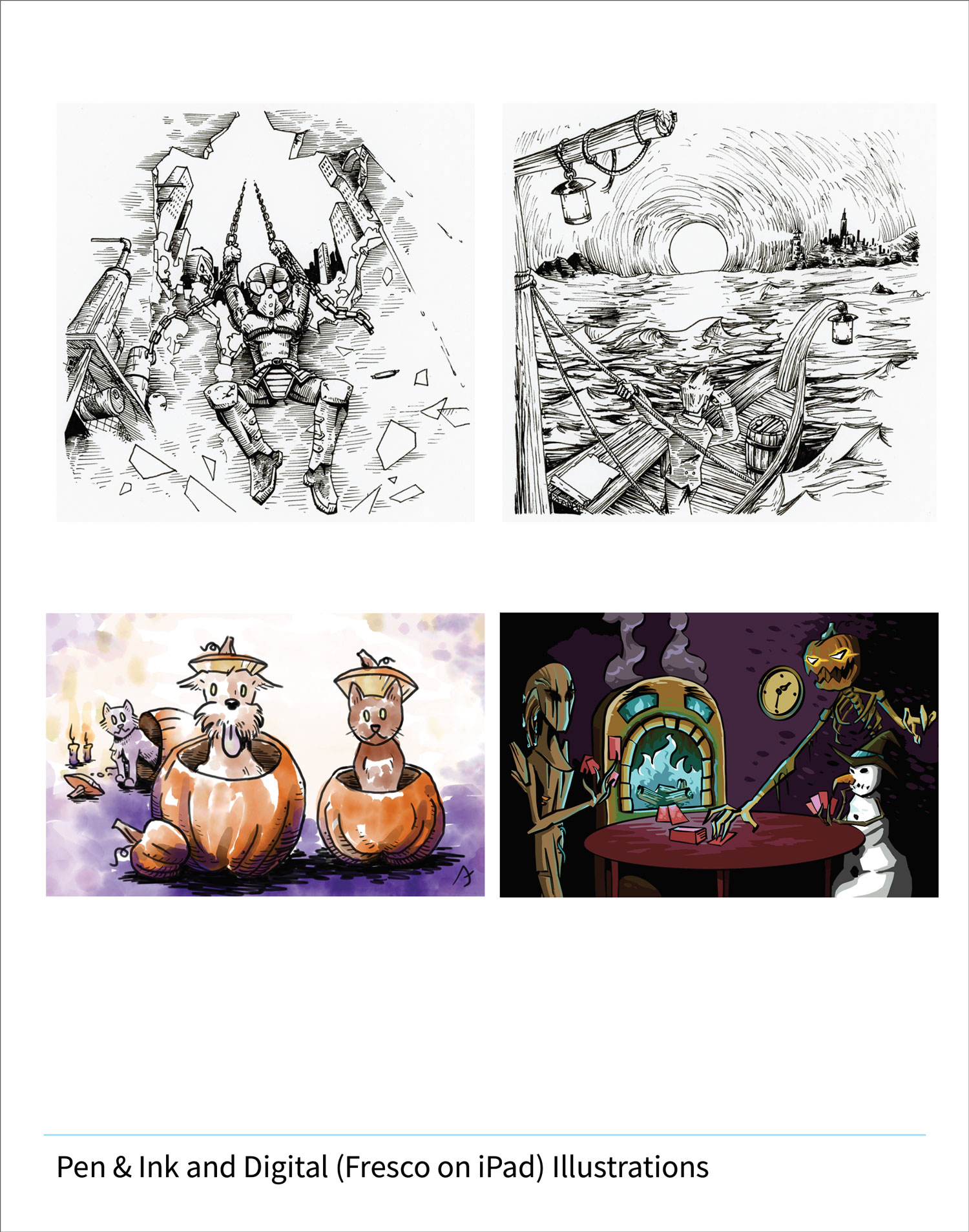
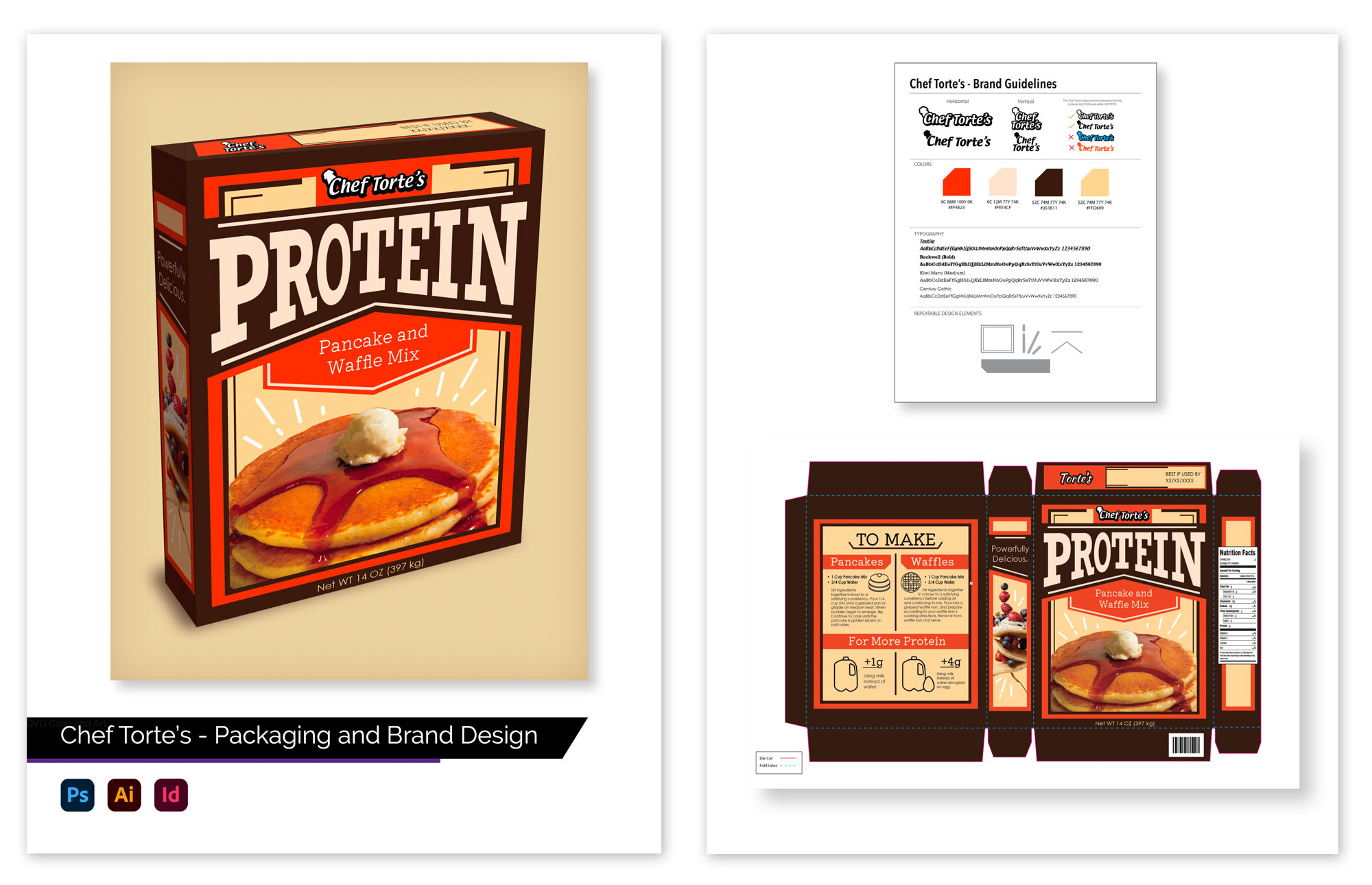
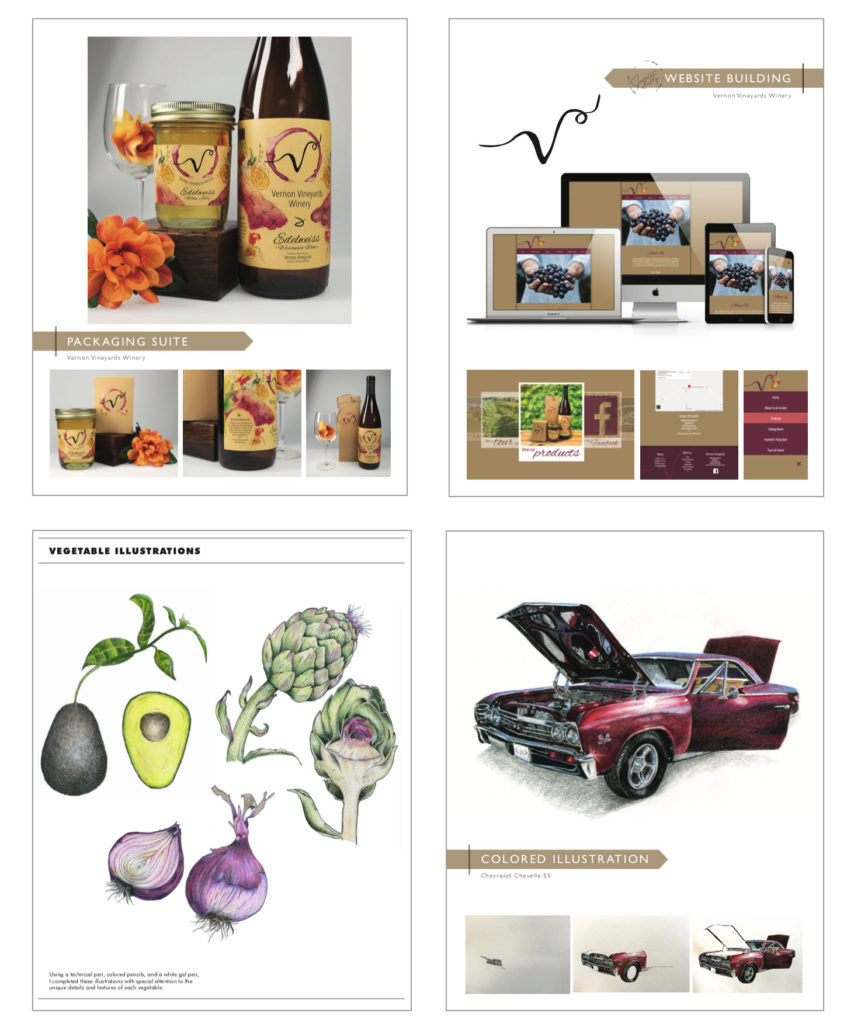
Here are several examples of student portfolio pages. A headline, nice layout, and one main piece works well to showcase your
Some students chose to design a title page for their portfolio. It has their name and logo/brandmark on it if they created one.
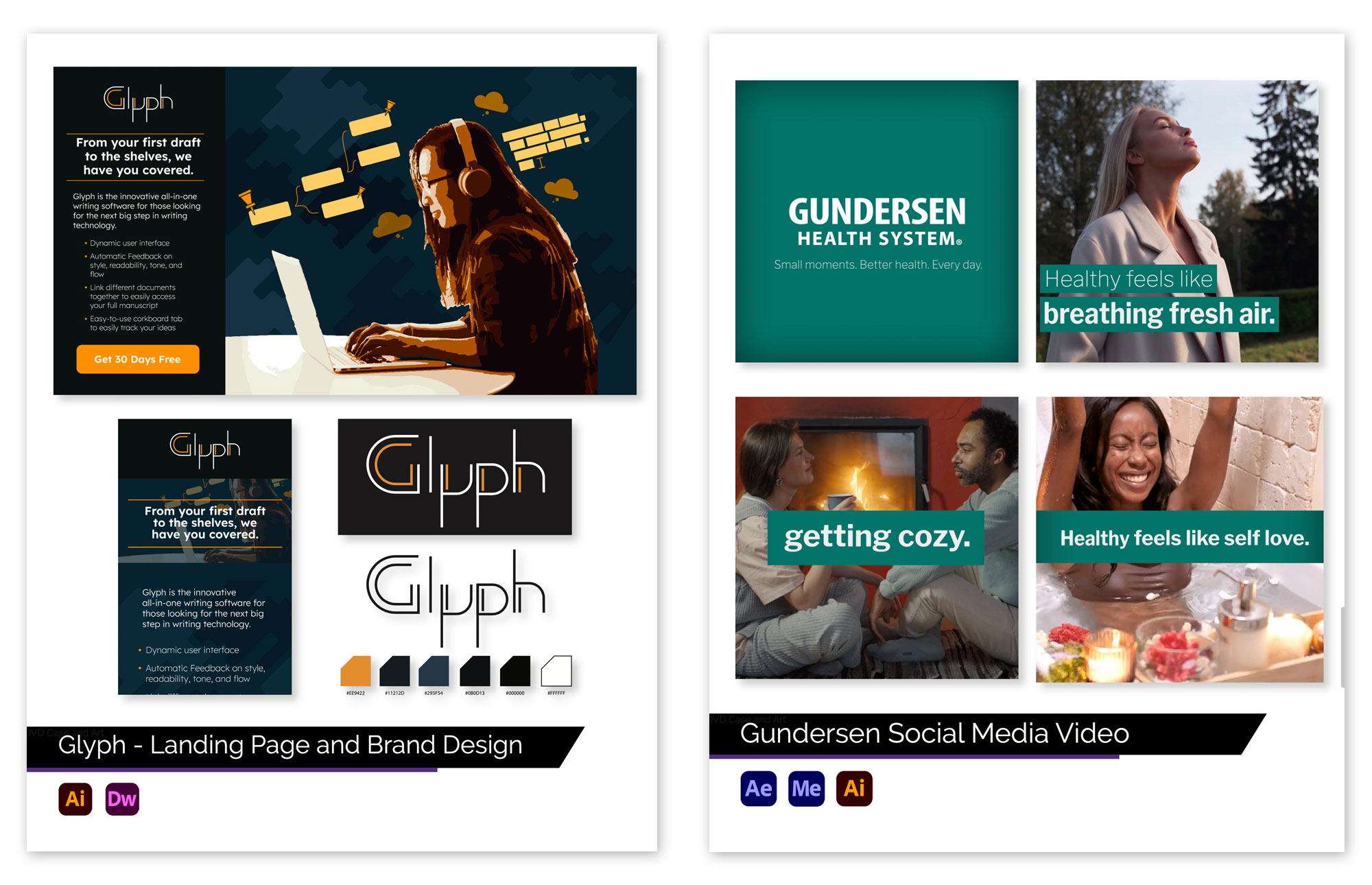
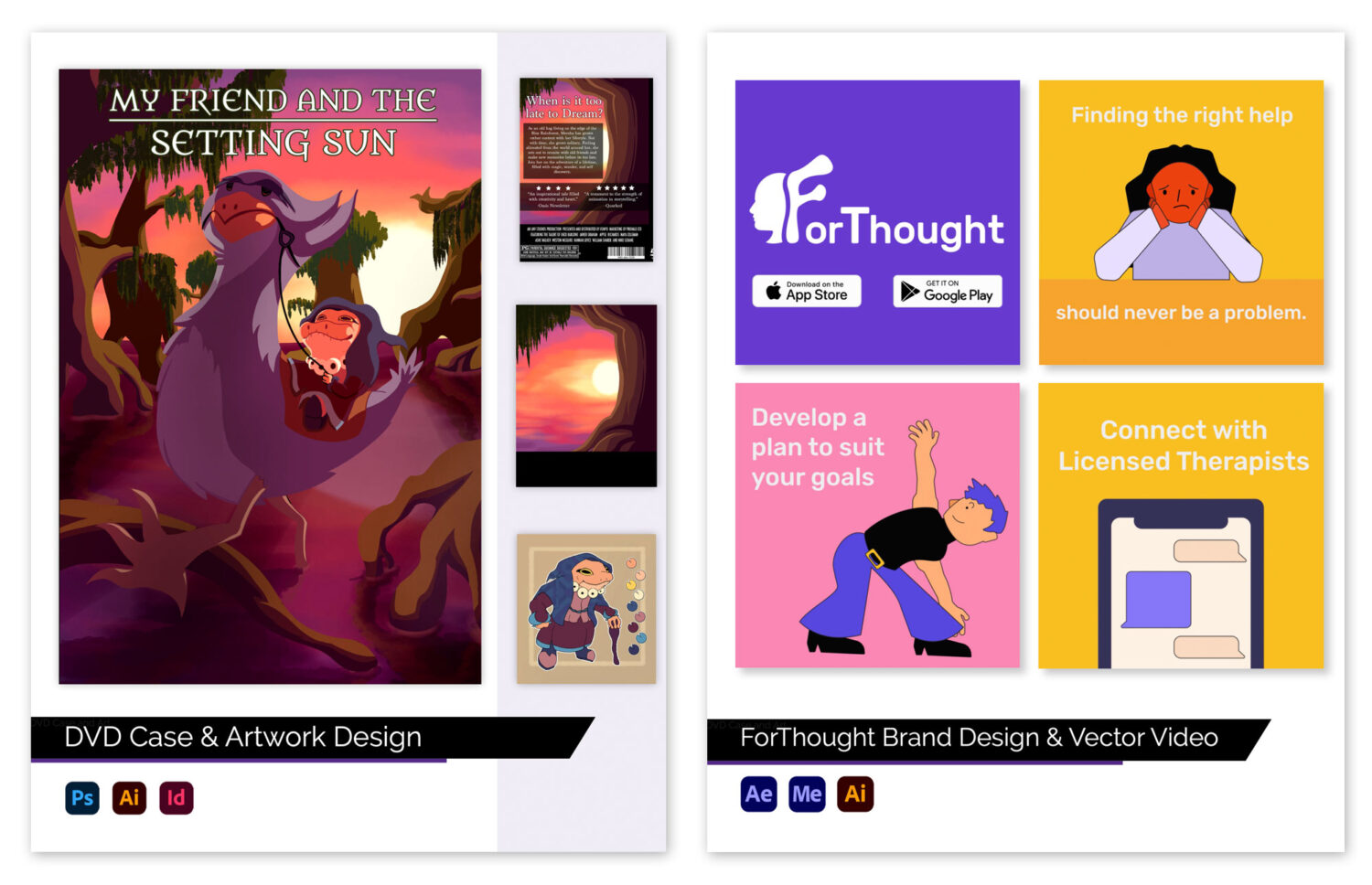
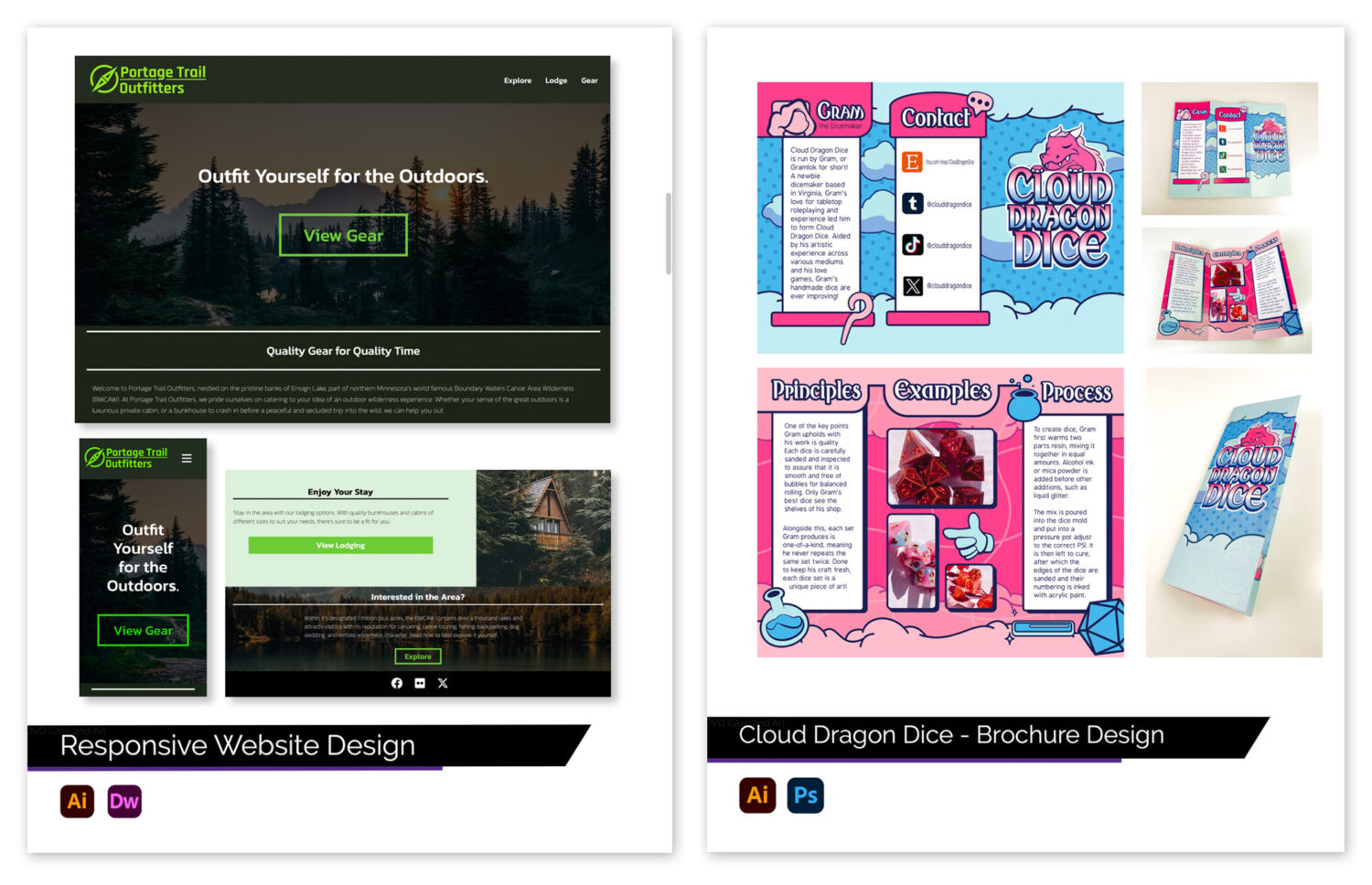
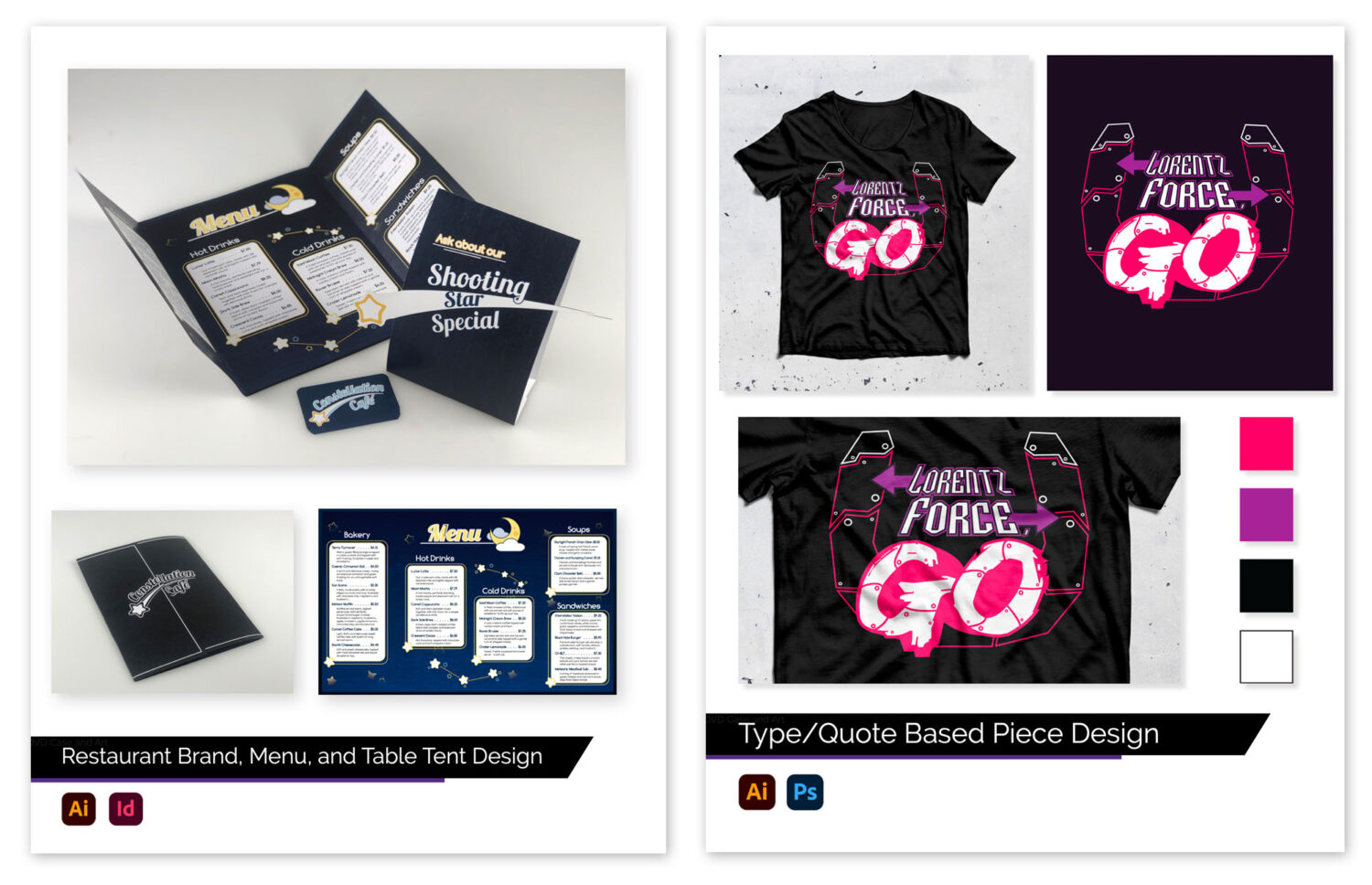
Take a look at how these designers & design agencies present their portfolios to clients
Choose 10–15 pieces of Your Best Work – Suggested Samples
Show about 1/3 print and 2/3 digital samples in your portfolio
As you begin to gather samples for your portfolio, use the list of projects below to guide you. We can meet during class time to discuss the direction of your portfolio and your samples—just ask.
As you see below, I suggest using comprehensive design samples for many of your portfolio samples. A comprehensive design sample is a real, industry-quality project (or class project that resembles an industry-quality project) that uses multiple software programs and combines art, photos, type, color, layout, etc.
- Comprehensive Design Sample – Freelance project for real clients (volunteer or internships)
- Comprehensive Design Sample – Animations or marketing videos, 6–8 storyboard scenes
- Comprehensive Design Sample – Email Marketing
- Comprehensive Design Sample – Corporate or brand identity
- Comprehensive Design Sample – Brochures
- Comprehensive Design Sample – Posters / Signs
- Comprehensive Design Sample – Booklets
- Comprehensive Design Sample – Packaging
- Comprehensive Design Sample – Social media graphics and web graphics
- Comprehensive Design Sample – Website, 3–4 web pages
- Comprehensive Design Sample – Website, 3–4 web pages
- Adobe Photoshop – Comprehensive project/final
- Adobe Illustrator – Comprehensive project/final
- Color or B/W Illustration/Drawing – Digital, Pencil, colored pencil, watercolor
- Your Choice – Design projects from outside of class
Keep in mind…
You should weigh your portfolio based on the job you are applying for. For example, if you are applying for a web designer job, place several websites and animation designs in your portfolio and take out some print design samples.
If you don’t want to include samples because you feel they are not portfolio-quality, fix them! Make them portfolio quality. That is what this class is for.
If you do not want to include areas that you may not want to work in, like prepress, Web design, or illustration, that is okay. But I encourage you to have at least one sample of each to demonstrate your depth of knowledge and experience. You don’t have to accept a job in a field you don’t want to work in, but not having a variety of samples may limit the number of job offers you get. Employers want to see a variety of skills in applicants.