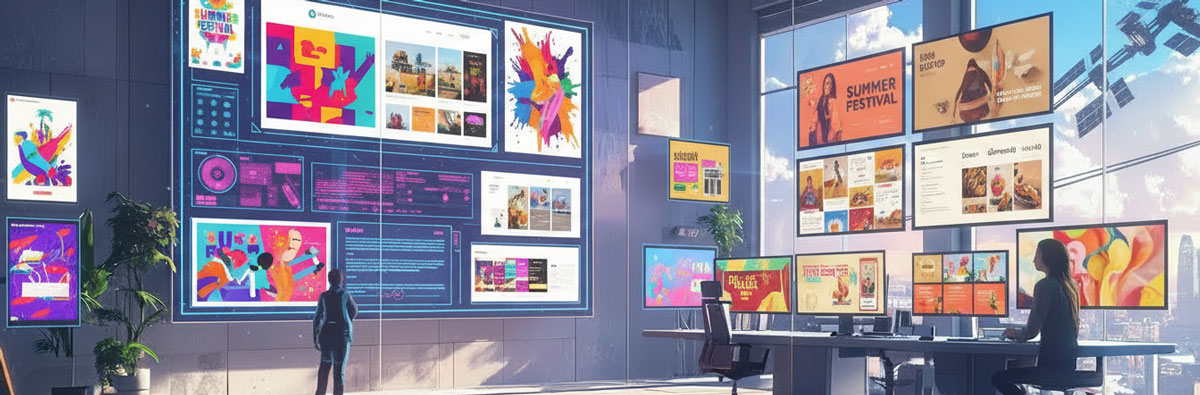
In 2026, over 80% of creators incorporate generative AI into their workflows. Graphic designers use a specialized stack of tools that prioritize production-ready output, brand consistency, and workflow automation over simple image generation.
How AI is Changing Graphic Design
AI isn’t taking over graphic design entirely, but it is fundamentally reshaping it, acting as a powerful assistant that automates tasks, boosts efficiency, and shifts designer roles toward higher-level strategy, creativity, and brand building, requiring designers to adapt by integrating AI tools to remain relevant and valuable. While routine tasks and entry-level positions are at risk, the need for human creativity, critical thinking, and strategic vision to guide AI tools ensures designers’ roles evolve, focusing more on concept, storytelling, and complex brand systems.
- Task Automation: AI excels at repetitive tasks like layout generation, image editing, and creating variations, freeing designers for more complex work.
- Increased Productivity: Tools like Canva’s Magic Design and Adobe Firefly boost speed, allowing designers to produce more in less time.
- Evolution of Roles: Designers are becoming “idea people” and strategists, using AI to explore many concepts quickly, rather than just production artists.
- New Opportunities: AI literacy opens doors to new roles like AI art direction, model training, and human-centered design.
What Designers Need to Do:
- Embrace AI as a Tool: Learn to use AI prompts, refine outputs, and integrate AI into your existing workflows.
- Focus on Strategy: Develop strong conceptual and strategic skills to provide the “why” behind the design, a uniquely human element.
- Build Brand Systems: Create adaptable brand ecosystems that AI can help maintain consistently across platforms.
- Specialize: Develop unique skills in high-demand areas like motion graphics or typography, where human touch remains crucial.
The Outlook:
- Augmentation, Not Replacement: AI is more likely to augment human designers than replace them, creating a collaborative future where human creativity and AI efficiency work together.
- Industry Shift: It’s a significant industry shift, similar to the move from print to digital, requiring adaptation to survive and thrive.
Core Industry Standards
- Adobe Firefly (integrated in Photoshop & Illustrator): The “production workhorse” used for Generative Fill (adding/removing objects), canvas expansion, and high-fidelity photo manipulation. It is favored for commercial safety as it is trained on licensed assets.
- Figma AI: Functions as a “design co-pilot” that automates repetitive UI/UX tasks such as building components, fixing spacing, generating responsive layouts, and creating text variations.
- Midjourney (v7): Primarily used for ideation and concept art, early branding explorations, moodboards, and creating hyper-realistic photography concepts.
- Canva (Magic Studio): A go-to for rapid content production, allowing teams to instantly resize assets across platforms, remove backgrounds, and generate bulk marketing materials.
Specialized Design & Automation Tools
- Branding & Typography:
- Khroma: A personalized AI color palette generator that learns a designer’s aesthetic to suggest unique color systems.
- Fontjoy: Uses AI to find and match harmonious typeface pairings.
- Looka: Generates full branding kits, including logos, social profile designs, and stationery.
- Illustration & Vectors:
- Recraft: Highly popular for advanced teams needing precise control over vector graphics and product mockups.
- CorelDRAW Vision AI: Specialized for vector cleanup, pattern generation, and print-ready optimization.
- Autodraw: Converts rough hand-sketched doodles into clean, professional icons.
- Motion & Video:
- Runway (Gen-3 Alpha): Enables designers to create cinematic clips, animated social loops, and motion graphics without deep knowledge of After Effects.
- Google Veo 3: Used for professional product videos and vision presentations from simple text descriptions.
Performance & Enhancement
- Topaz Labs: Used for professional-grade photo and video enhancement, including sharpening, denoising, and upscaling high-resolution assets.
- Let’s Enhance / Claid.ai: Specialized for e-commerce, these tools automate product image workflows, providing consistent backgrounds and high-resolution upscaling.